50+ different types of QR codes with examples & use cases [2026]

 49 minutes
![50+ different types of QR codes with examples & use cases [2026]](/_next/image?url=https%3A%2F%2Finternal-blog.replug.io%2Fwp-content%2Fuploads%2F2026%2F02%2F50-different-types-of-QR-codes-with-examples-use-cases-2026.png&w=3840&q=100)
With the passage of time, QR codes went from a small black‑and‑white square on packaging to a daily habit.
Recent surveys indicate that billions of scans happen every year across payments, menus, tickets, and ads. For marketers and creators, knowing the different types of QR codes is now as basic as knowing ad formats or social post types.
Some codes are simple “scan and forget,” while others can be edited, tracked, routed, and branded. Use the wrong one, and you lock yourself into a bad link or lose valuable data. However, if you pick the right one, you can turn any surface into a smart, trackable entry point.
This guide breaks down 50+ QR code types with clear examples and use cases, so picking the right format feels easy. Before we go deep, it helps to get on the same page about one thing: What exactly is a QR code?
What is a QR code?
A “QR code (Quick Response code)” is a two‑dimensional barcode made of tiny squares arranged in a grid (specific pattern). It can store much more information than a regular barcode and is readable by almost every smartphone camera or a QR code scanner.
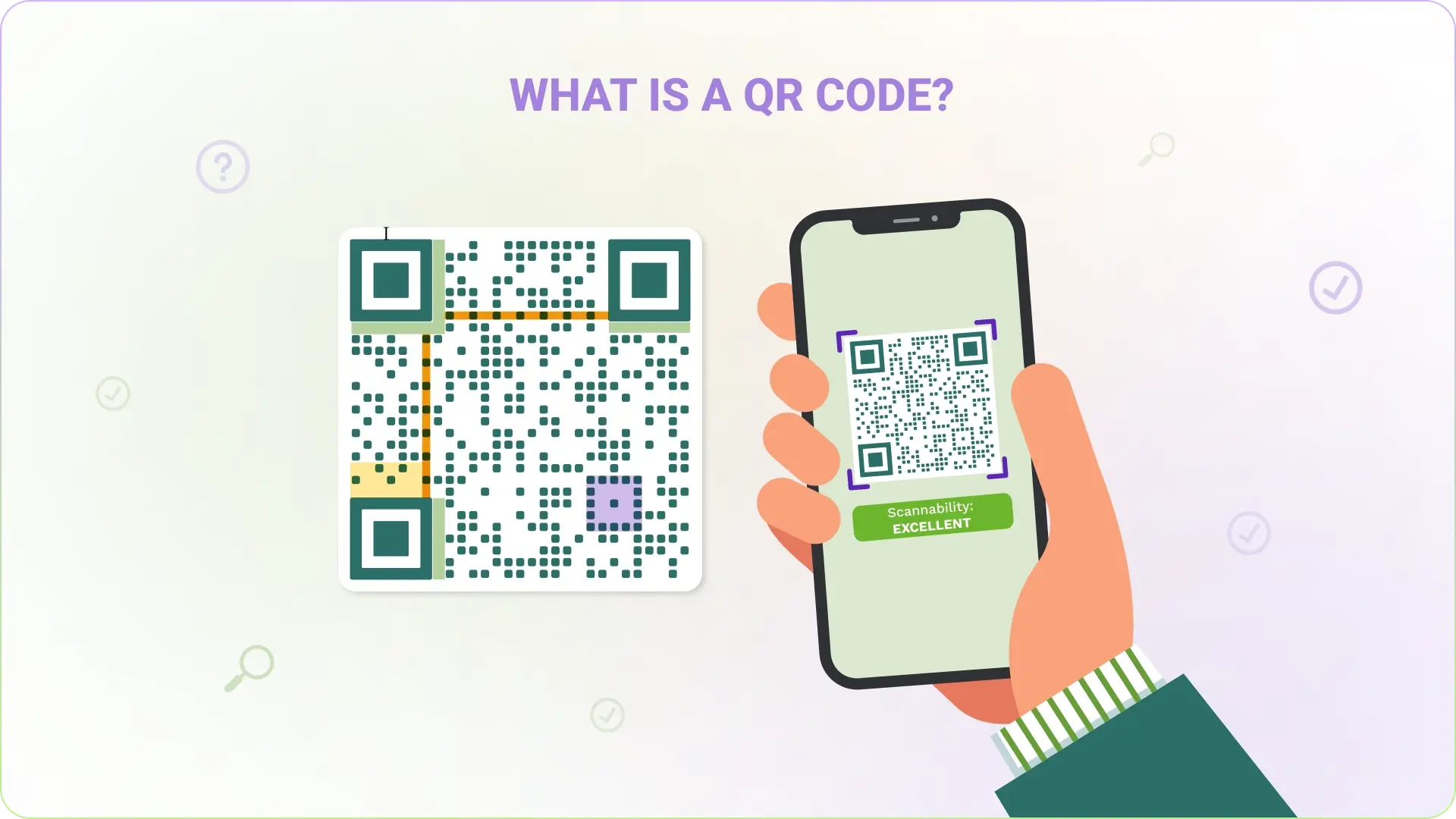
Its main job is to connect the physical world to digital actions in one scan.
- Flexible data types: QR codes can store many types of data, including website links, contact cards, Wi‑Fi details, files, and payment info.
- Fast and forgiving: They scan quickly from any angle and can still work even if part of the code is scratched, dirty, or covered by a small logo.
- Low‑cost and trackable: They are easy to create, cheap to print, and, when used with dynamic links, can provide analytics on scans, devices, and locations, hassle-free.
Brief history of QR codes
QR codes were invented in 1994 by Denso Wave, a Japanese automotive company. They needed a better way to track parts than standard barcodes, which held limited data. The new square code stored far more information and could be scanned fast on assembly lines.
Over time, smartphones gained built‑in QR readers, and marketing pros realized they could use the same technology for websites, apps, tickets, and payments. That shift turned QR codes into a standard tool for both brands and everyday users.
How many types of QR codes are there?
There is no fixed number, because “types” can mean different structures, content formats, or actions.
On the technical side, there are a handful of core standards and variants. Once you look at real‑world usage, though, there are dozens of different QR code types based on what happens after the scan.
All types of QR codes and their uses + examples
This section covers the technical and functional types of QR codes that sit behind most marketing use cases. These determine factors such as editability, error correction, and how much data you can store.
Once you understand these, the application types later will make a lot more sense.
Static QR codes
A static QR code stores the final data directly in its pattern, such as a full URL or a block of text. Once created and printed, that information can’t be changed.
Static codes are best for details that stay the same for a long time, like Wi‑Fi passwords in an office or a permanent support page. For instance, a café might print a static QR code on a sign that always opens their Google Maps listing.
Dynamic QR codes
A dynamic QR code stores a short redirected link rather than the final URL or content. That link is managed by a platform like Replug, so you can seamlessly change where scans go without reprinting the code.
Dynamic codes also support:
- Scan analytics (time, location, device)
- Device targeting (different pages for iOS vs. Android)
- Time‑based redirects
- A/B testing and campaign rotation
A brand might print a dynamic code on product packaging and later update it from a holiday offer page to a tutorial video using their dashboard.
QR Code Model 1 & 2
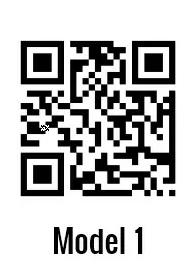
Model 1 and Model 2 refer to the original QR standards from Denso Wave:
- Model 1 was the first version, with lower capacity and no alignment patterns, and is rarely used now.
- Model 2 is what almost every modern QR code uses, including the ones created in QR tools and apps today.
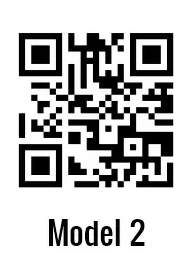
When you generate any normal QR code, you are almost always working with a Model 2 symbol.
Secure QR code (SQRC)
A Secure QR code (SQRC) looks like a regular code but has both public and private data areas. The private part is encrypted and only readable by authorized scanners that hold the key.
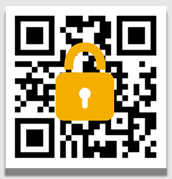
This format is helpful wherever sensitive data lives alongside public information. A hospital, for example, might use SQRC on patient wristbands so nurses can see basic details with standard scanners, while specialized devices reveal full medical records.
Rectangular Micro QR (rMQR)
Rectangular Micro QR (rMQR) is a slim, rectangular version of a QR‑style code. It was designed for tight, narrow spaces where a square code would not fit nicely.
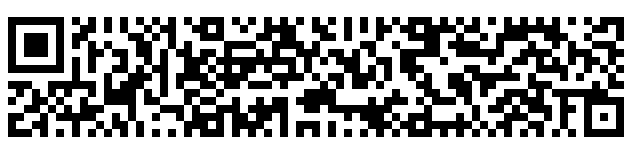
You often see this style on the edges of labels, small electronic parts, or thin product packaging. A cosmetics brand could print an rMQR along the side of a lipstick box to link to ingredient details without covering the front design.
High Capacity Colored 2D Code (HCC2D)
The High Capacity Colored 2D Code (HCC2D) is an experimental format that uses multiple colors instead of just black and white. By encoding data with colors, it can store far more information in the same area.
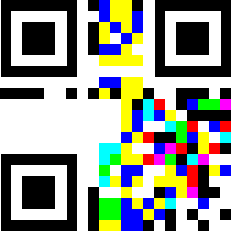
Currently, it is still in research and not a mainstream marketing option. In theory, though, a future campaign could use an HCC2D symbol on a poster to deliver large offline data files without needing an internet connection.
Accessible QR (AQR)
Accessible QR (AQR) is designed to help people who are blind or have low vision. It pairs a standard QR pattern with a tactile dot‑dash border so users can find it by touch.
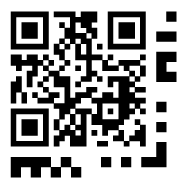
When scanned with a compatible app, the code reads out structured product information using screen reader features. A supermarket could add AQR codes to store‑brand packaging so shoppers can hear ingredient lists, allergy warnings, and cooking instructions.
FrameQR
FrameQR adds a decorative “frame” to the QR code’s structure, leaving a central area for images, logos, or text. Unlike simply placing a logo over a standard code, FrameQR rearranges the data so the design remains reliably scannable.
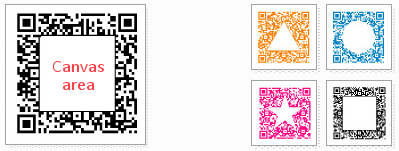
This makes it great for brand‑heavy use, like on posters, flyers, and product labels. A clothing brand might use FrameQR on hang tags, with its logo centered within the code, linking to a lookbook or style guide.
iQR code
The iQR code is a high‑density code that can be square or rectangular and packs more data into less space than a regular QR code. It also supports an additional error‑correction level, making it very tolerant of damage.
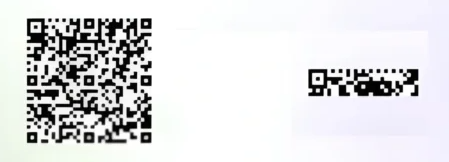
Because it has been tied to proprietary tools, it appears mostly in industrial and logistical contexts. For instance, a manufacturer might print small iQR codes on parts to store long serial numbers and production data.
tQR
The term tQR is used by some providers to refer to tracking‑focused QR implementations built on top of standard models. In practice, these work much like dynamic QR codes with rich analytics features.
They are used where detailed performance data matters more than the underlying format. A marketer might run a nationwide poster campaign with tQR codes to compare scan performance by region, creative, and channel in one reporting view.
Other types of QR codes
Now, let’s look at the application‑based types of QR codes. Most of these are still Model 2 codes under the hood. What changes is the content and action triggered after the scan, which is where the real marketing strategy comes in.
Website URL QR code
A website URL QR code opens a specific web page immediately after scanning. It is the classic choice for sending people to homepages, product pages, or blog posts from print or packaging.
For instance, a local gym can print a website QR code on street posters that links directly to its membership page.
Multi-URL QR code
A multi‑URL QR code can send different people to different links based on rules such as device type, language, location, or scan time. It is usually implemented as a dynamic code with smart routing.
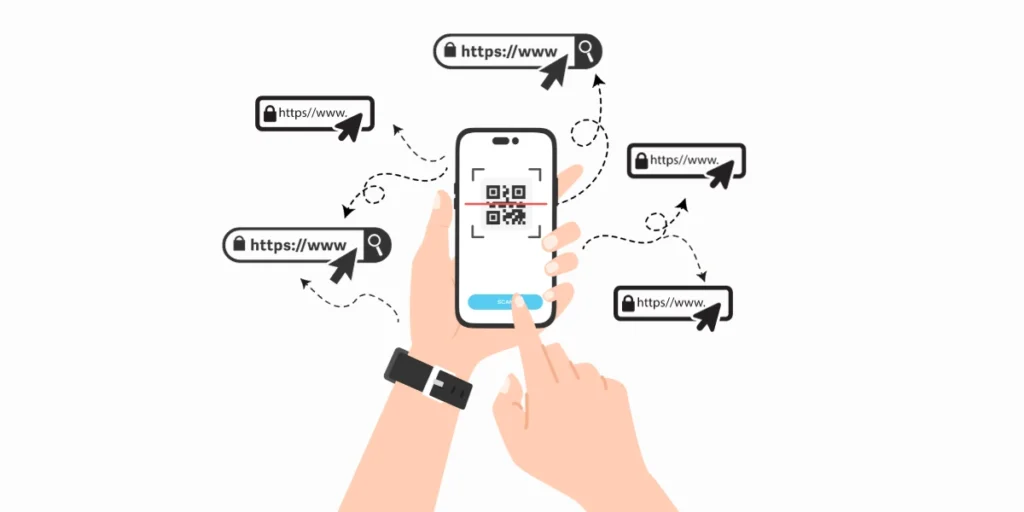
An event organizer could use a single multi‑URL code across all flyers and route mobile users to a ticketing page, while desktop users see the full event site.
Link QR code
A link QR code is a simple code that opens a single hyperlink, which might be a short URL managed in a link management platform. This is the base type behind many other use cases.
For example, a podcaster might print a link QR code on merchandise that leads to their show’s main website.
Biolink QR code
A biolink QR code opens a “link‑in‑bio” style page that aggregates multiple links on a single screen. It is perfect when a single QR placement needs to promote several channels at once.
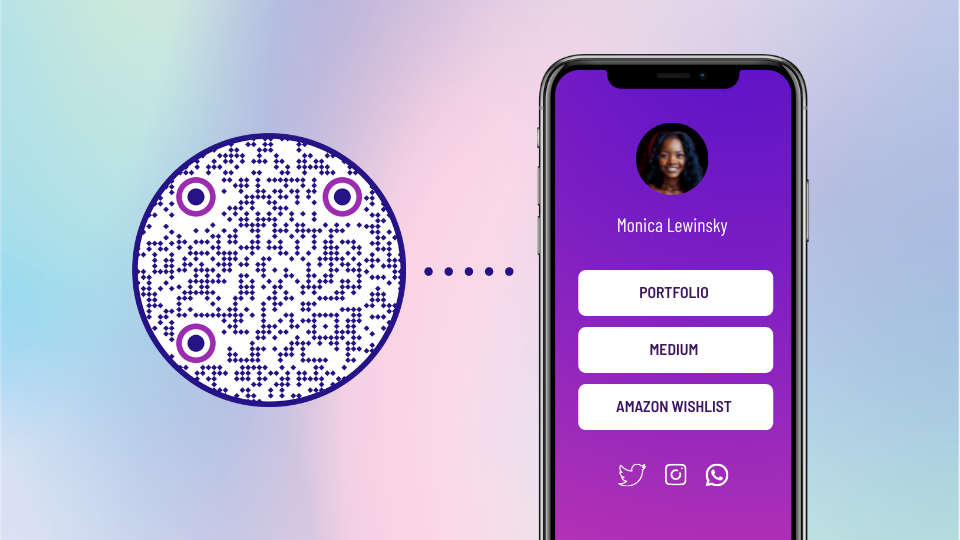
A creator at a conference could use a biolink QR code on their banner so visitors can easily choose between newsletter signup, course page, and social profiles, etc.
Landing page QR code
A landing page QR code links to a focused, mobile‑friendly page built specifically for a single campaign. The page can live on a website or be hosted by a QR platform.
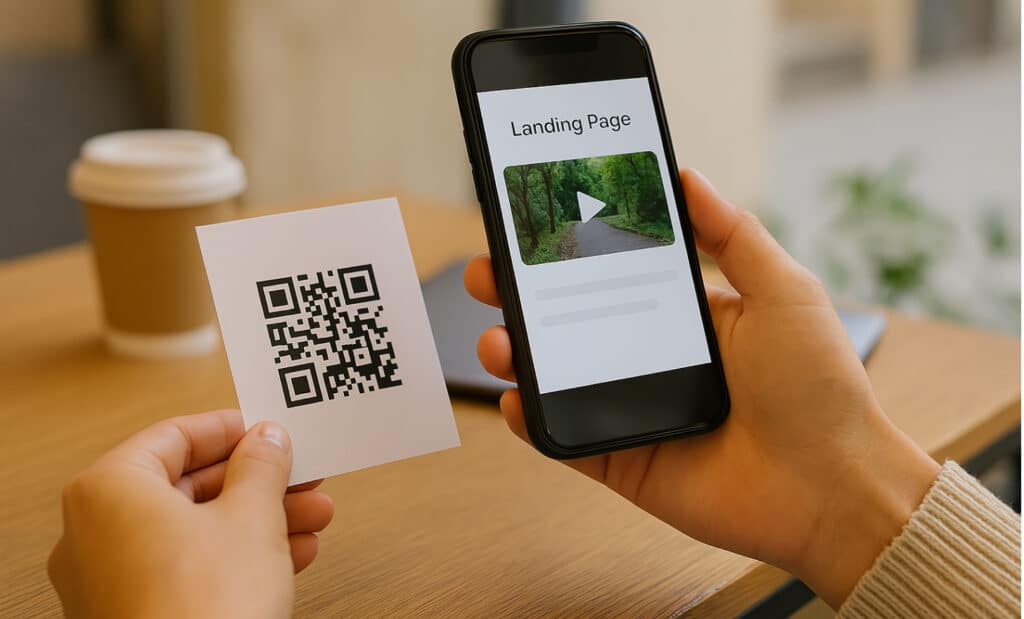
Think of a restaurant using a landing page QR in table tents that shows a seasonal promo, images, and a clear “Book now” button.
Phone QR code
A phone QR code triggers the dialer on the user’s device, pre-filling a contact number. The user just taps call to connect. This is handy anywhere you want quick phone contact without manual typing.
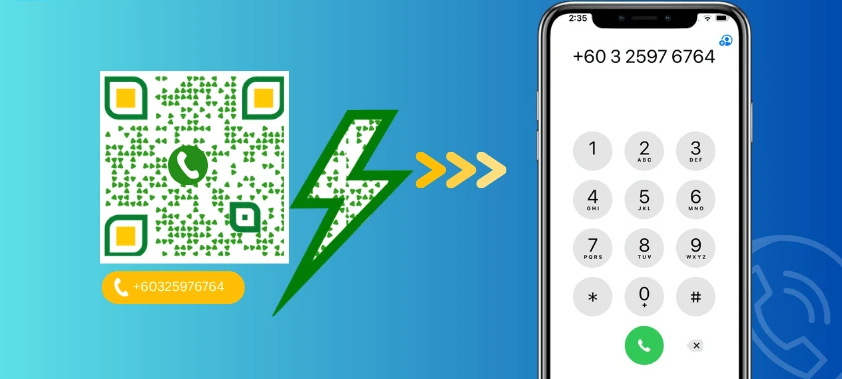
For example, a roadside assistance company might place a QR code on car stickers so drivers can call support quickly (especially in emergency situations).
Scan-to-call QR code
A scan‑to‑call QR code is very similar to a phone QR code but is often branded with a clearer call‑to‑action, such as “Scan to call support.” The intent is purely immediate voice contact.
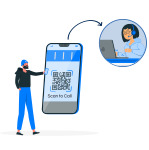
A doctor’s office could add this type of QR code to appointment cards so patients can reach the front desk in one step.
Email QR code
An email QR code opens the default email app with the address, subject, and optional message already filled in. This removes friction for support, feedback, or sales outreach.
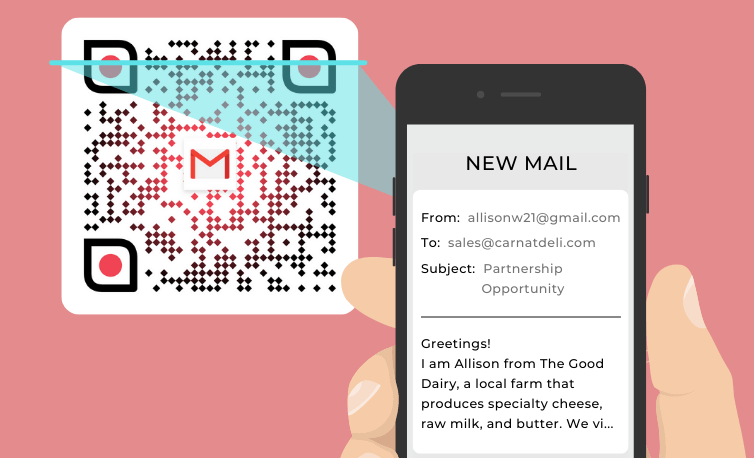
For instance, a SaaS company might add an email QR code at the end of a printed setup guide so customers can contact support with a single scan.
Outlook QR code
An Outlook QR code is optimized so that, when scanned, it opens a new message in Microsoft Outlook with fields pre‑filled. It is especially helpful in corporate settings where Outlook is the main email client.

An internal IT team might print a QR code of this nature on help posters so staff can report issues directly to the right inbox.
Form/Survey QR code
A form or survey QR code opens an online form built in tools like Google Forms, Typeform, or a custom page. It lowers the barrier to collecting feedback or data.
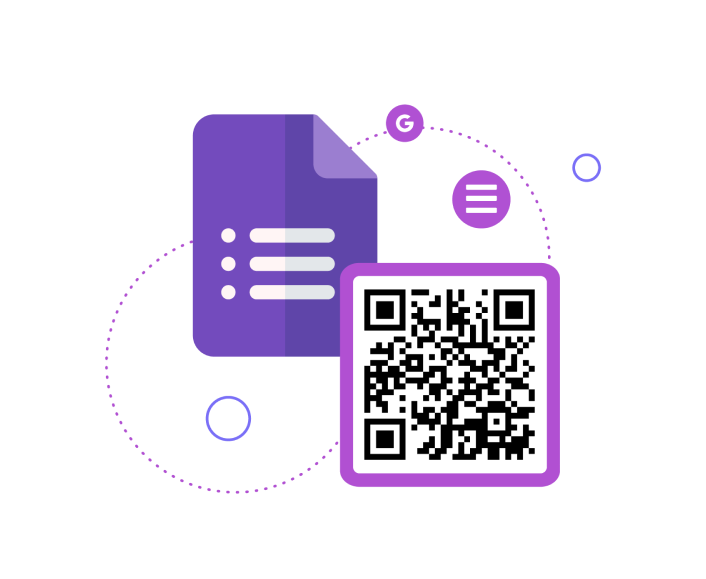
A hotel can place survey QR codes on receipts so guests share their stay rating while the experience is still fresh.
SMS QR code
An SMS QR code opens the messaging app with a phone number and a pre‑written text message. The user only needs to tap the send button. Brands often use this for opt‑ins, quick confirmations, or support.
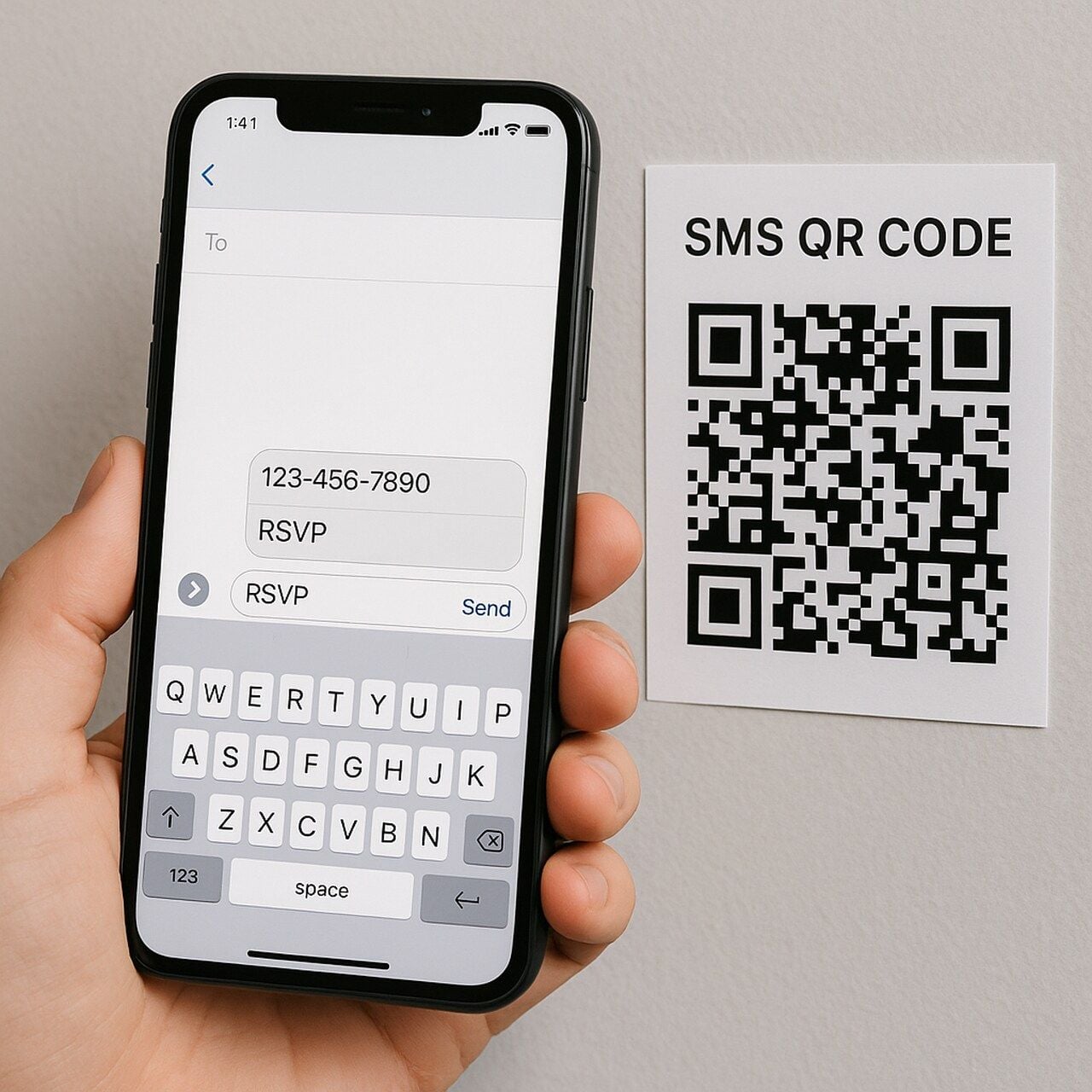
A radio station, for example, might use an SMS QR on posters to let listeners text in song requests.
vCard QR code
A vCard QR code stores contact details in digital business card format. Scanning it lets the user save a full contact to their phone without having to type every single digit manually. This is perfect for printed business cards or conference badges.
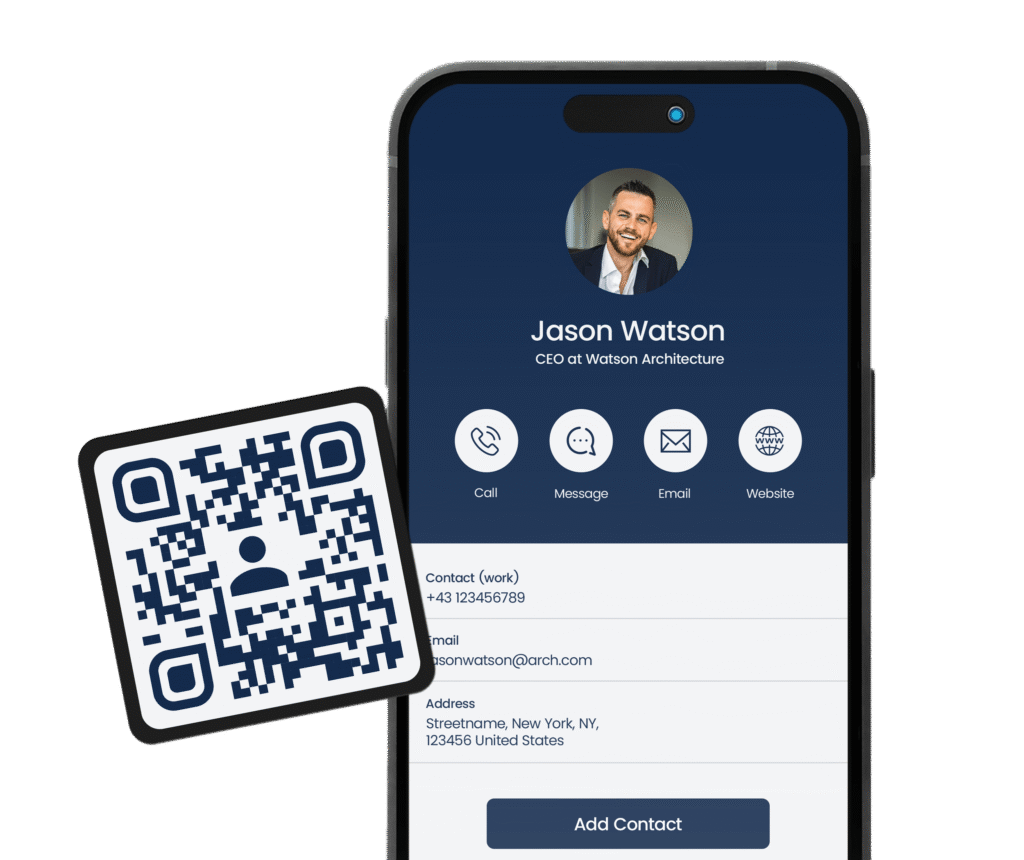
A consultant could share their vCard QR instead of handing out stacks of physical cards. It is both cost-effective and pretty user-friendly.
Wi-Fi QR code
A Wi‑Fi QR code contains the network name, password, and encryption type. Scanning it lets devices automatically join the wireless network within seconds.
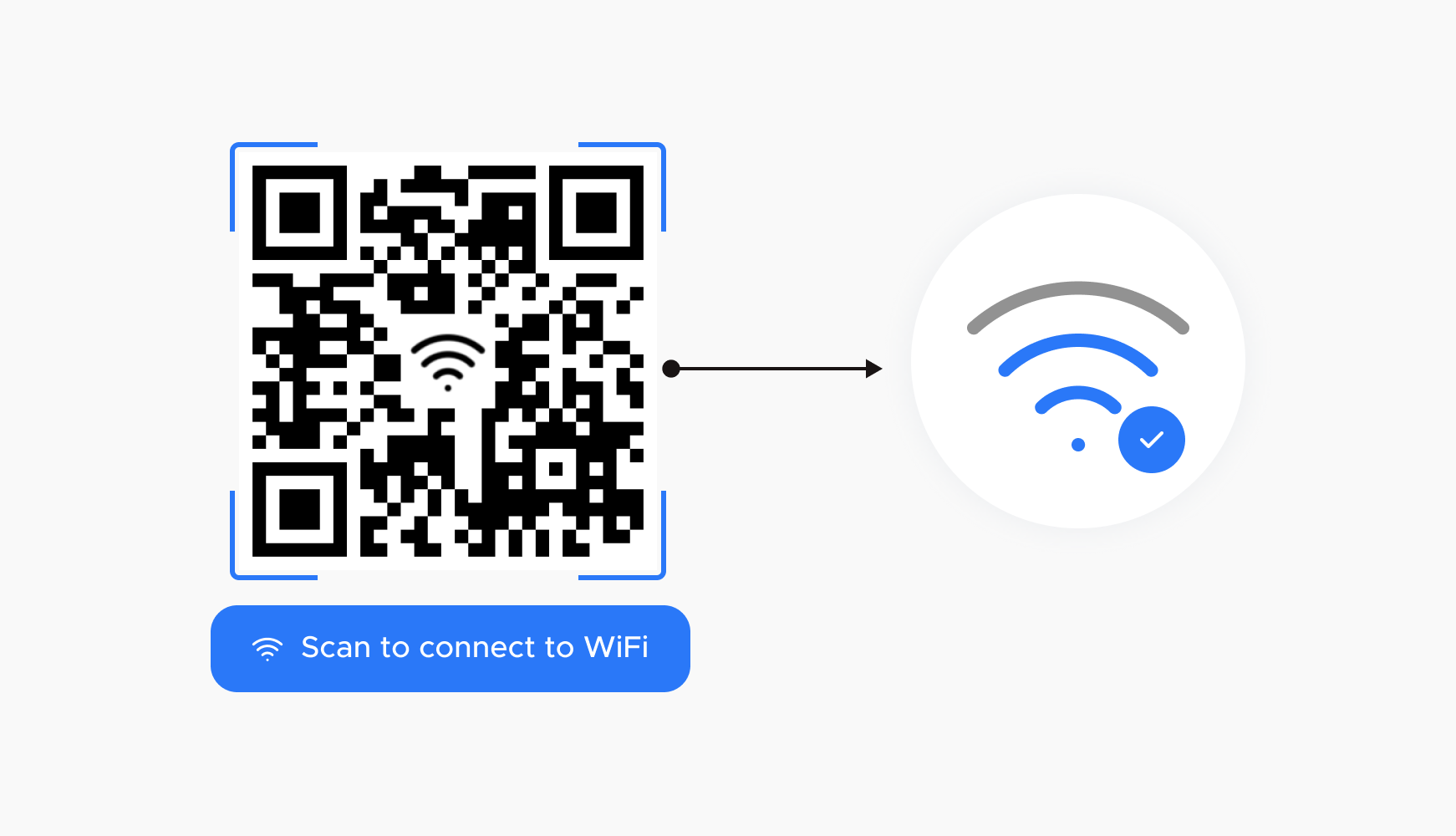
Cafés, coworking spaces, and hotels often print Wi‑Fi QR codes on signs or keycards so guests can connect without asking staff for passwords.
Text QR code
A text QR code simply displays a block of text after scanning, without opening a browser. It is good for short instructions, coupon codes, or internal notes.
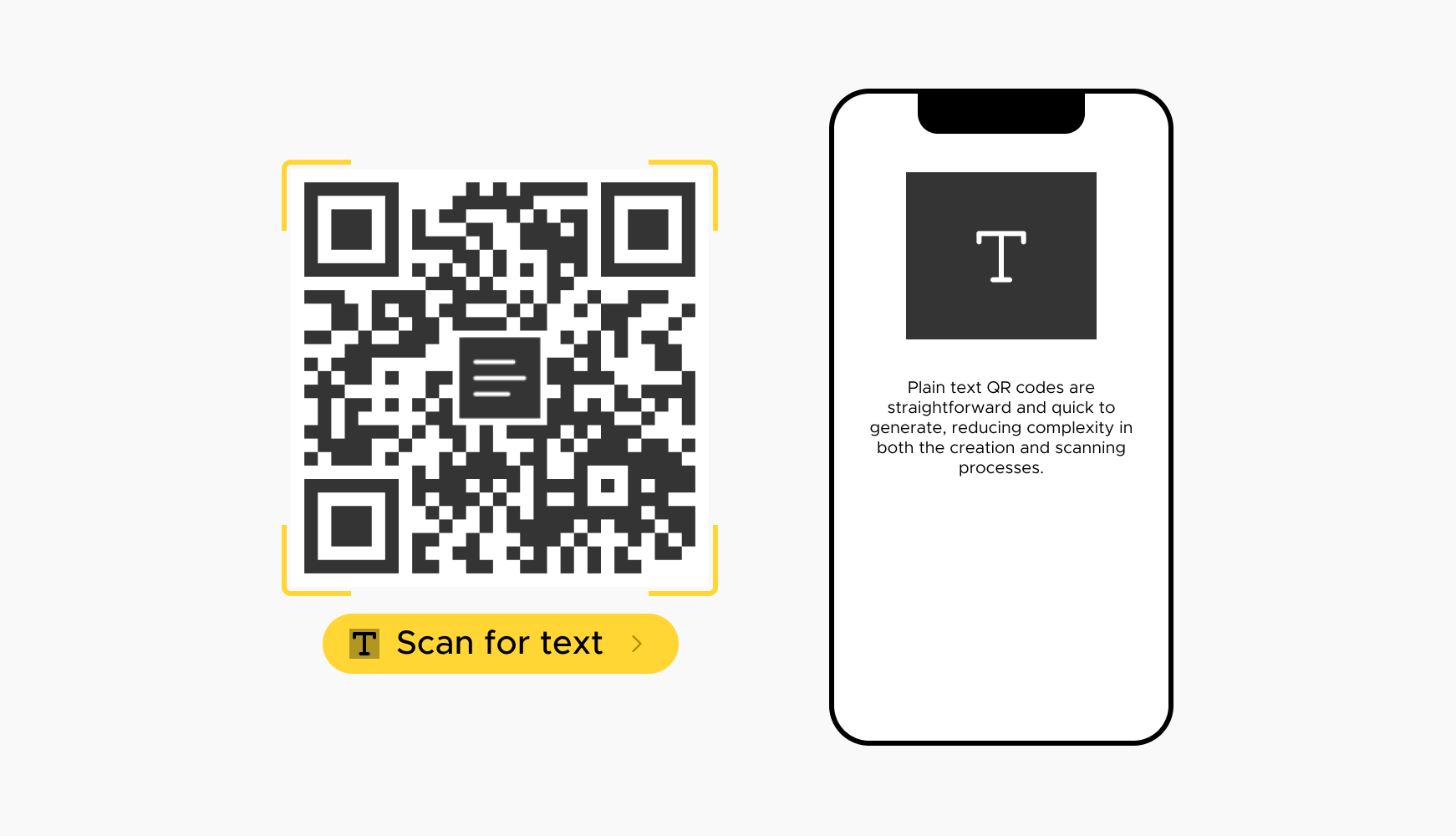
For example, a warehouse might use a text QR on equipment to display safety reminders directly on screen.
PDF QR code
A PDF QR code links to a dedicated PDF file stored online. This works well for manuals, catalogs, menus, or longer documents that would otherwise clutter a small print piece.
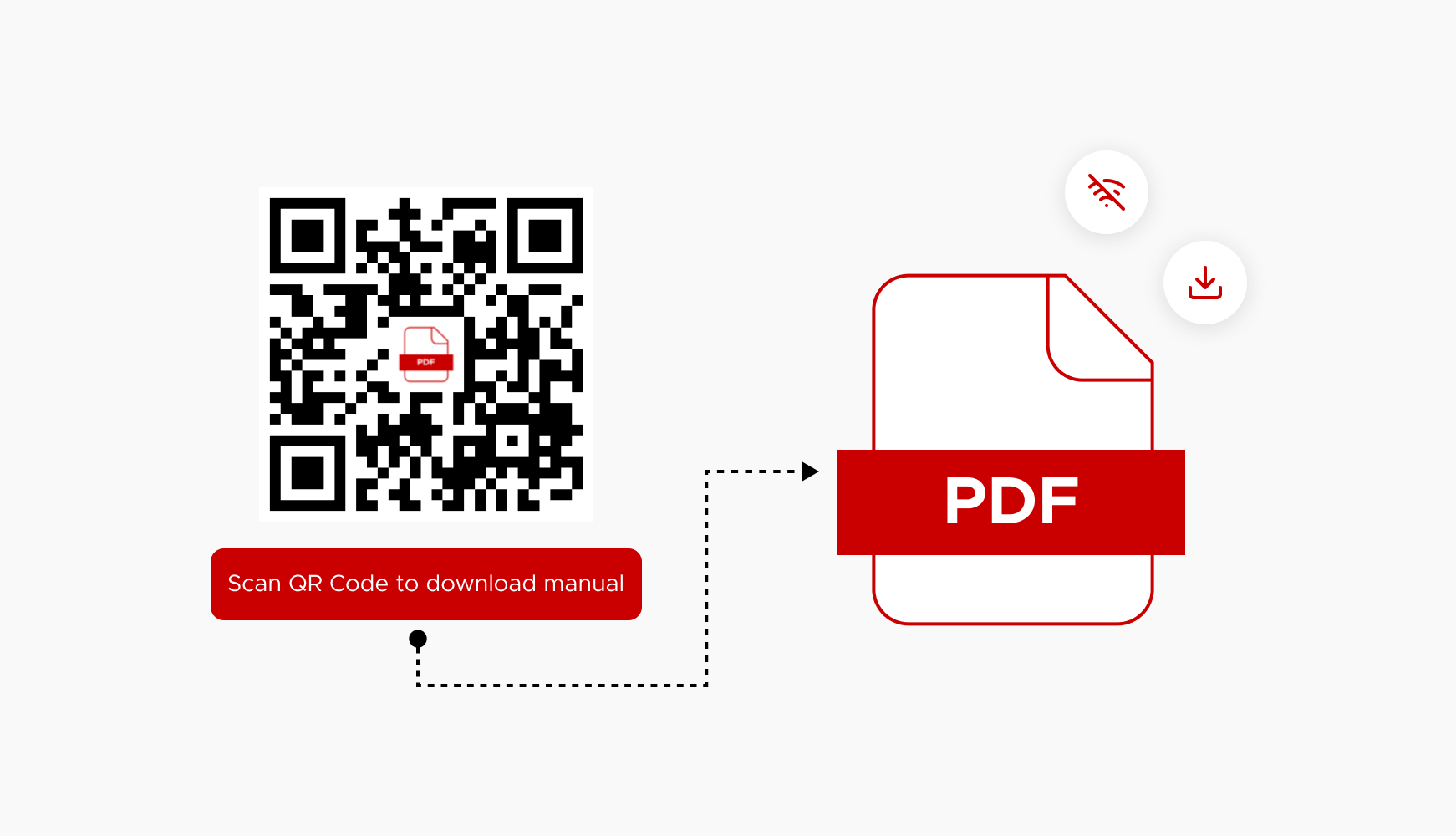
A furniture brand could place a PDF QR on product tags that opens a full assembly guide, making the process hassle-free for the buyers.
Image QR code
An image QR code often opens a single image or a complete gallery. It is helpful for visual content, where photos explain more than text alone.

A real estate agent might put an image QR on a yard sign that links to additional property photos beyond what fits on printed flyers.
Video QR code
A video QR code sends the audience straight to a hosted video, such as YouTube, Vimeo, or a landing page with an embedded player. Video is ideal for demos, explainers, and tours.
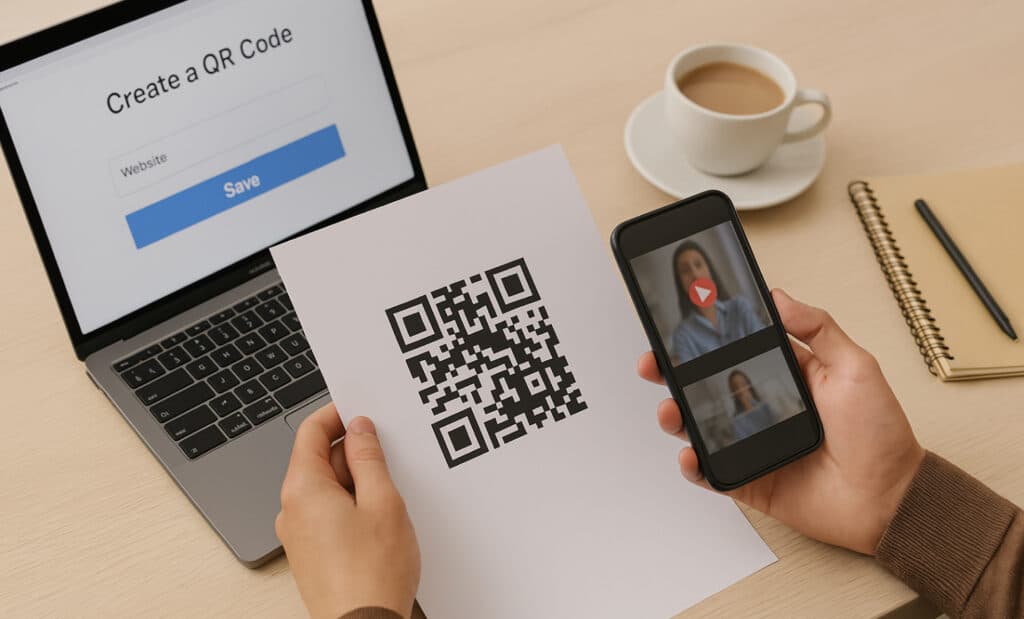
A museum could place video QR codes next to exhibits so visitors can watch short curator clips on their phones effortlessly.
Audio QR code
An audio QR code opens an audio file or streaming link, such as a podcast episode or MP3. This works well for guided tours, music promotion, or audio lessons.
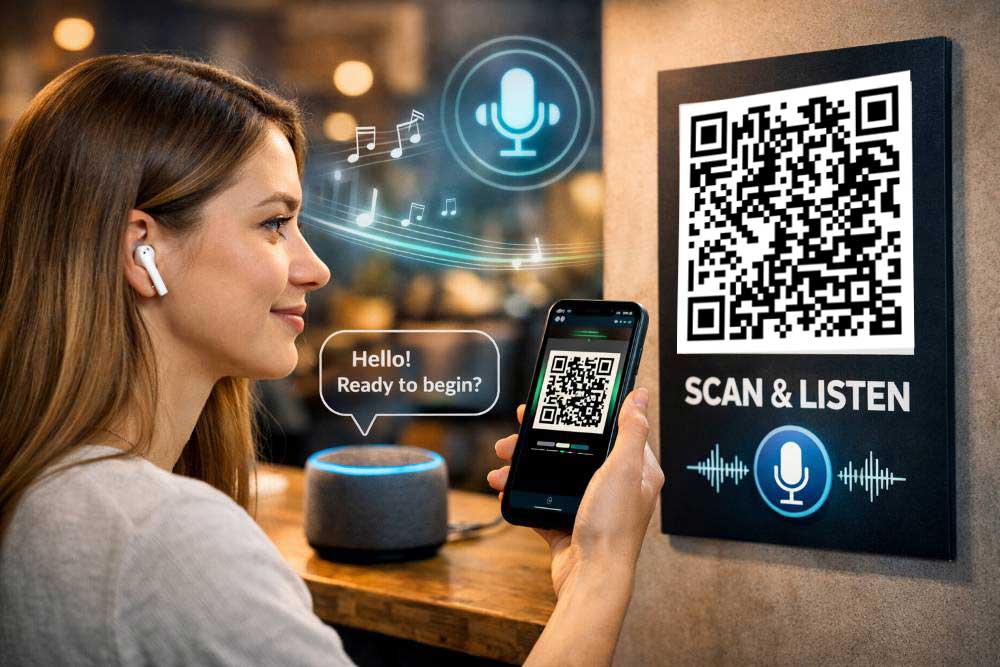
A language school might add audio QR codes in workbooks so students hear native pronunciation for each unit.
Social media QR codes
Social media QR codes connect scans to profiles, pages, or a hub of social links. They make it easy to grow followers from print assets, packaging, or in‑person events.
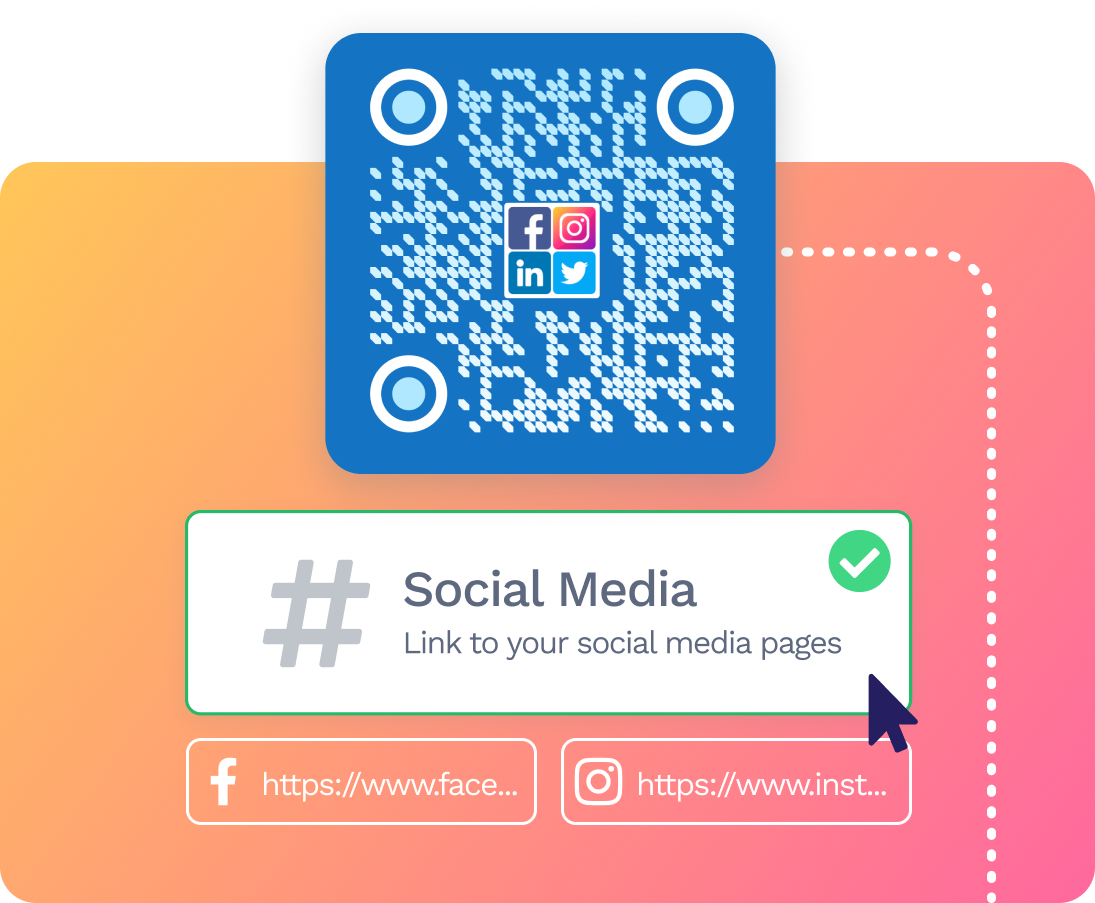
A brand could print one social QR code on receipts that leads to a social hub where users can seamlessly pick their favorite platform.
Instagram QR code
An Instagram QR code opens an Insta profile, hashtag, or specific Reel or post when scanned. It is handy on posters, flyers, and product packaging that aim to grow followers or engagement.
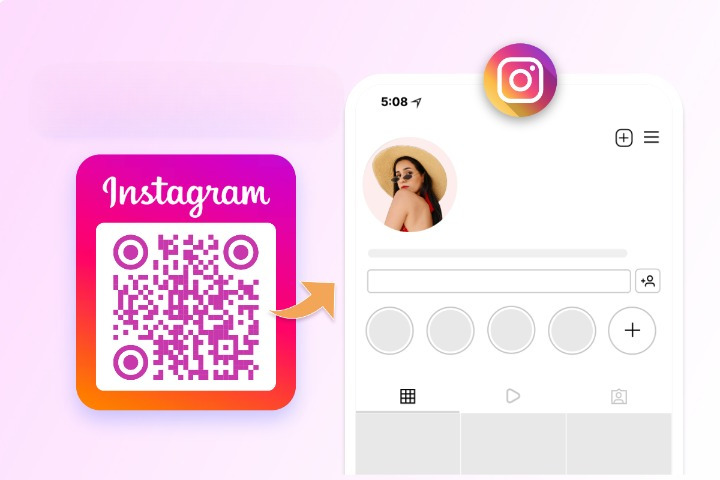
A café might use an Instagram QR on cups to promote their feed of daily specials.
YouTube QR code
A YouTube QR code leads directly to a YouTube channel, playlist, or single video. It helps move offline viewers into long‑form video content.
A software company could print a YouTube QR on product boxes that opens a setup tutorial playlist.
TikTok QR code
A TikTok QR code opens a creator profile or a chosen TikTok video. It is great for short, fun content and audience building, especially for beginners.
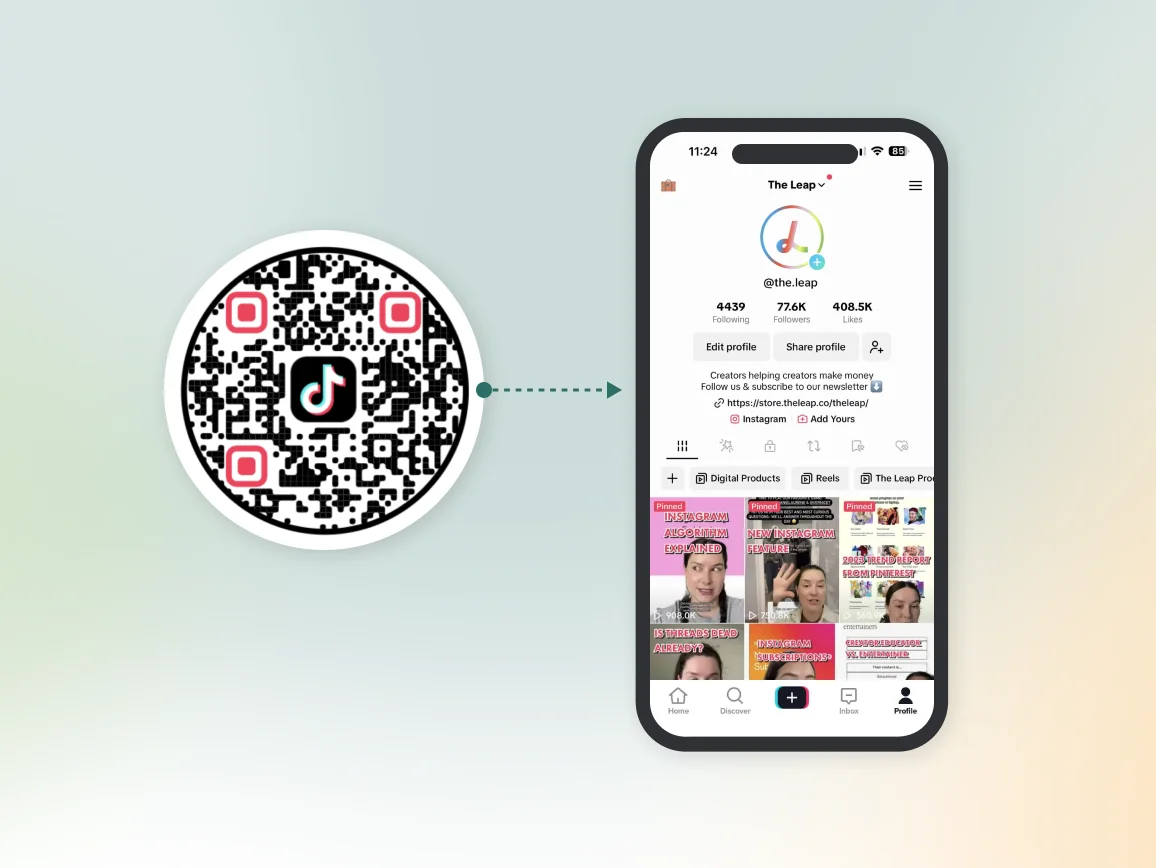
Streetwear brands might add TikTok QR codes to tags so buyers can watch styling clips and make up their mind to purchase the item.
Facebook QR code
A Facebook QR code links to a particular FB page, group, or event. It supports things like community building or RSVPs from print pieces.
A nonprofit might place a Facebook QR on flyers that opens their event page for easy “Interested” or “Going” clicks.
WhatsApp QR code
A WhatsApp QR code starts a chat with a specific number or business account. It helps brands offer one‑to‑one support without sharing long numbers.
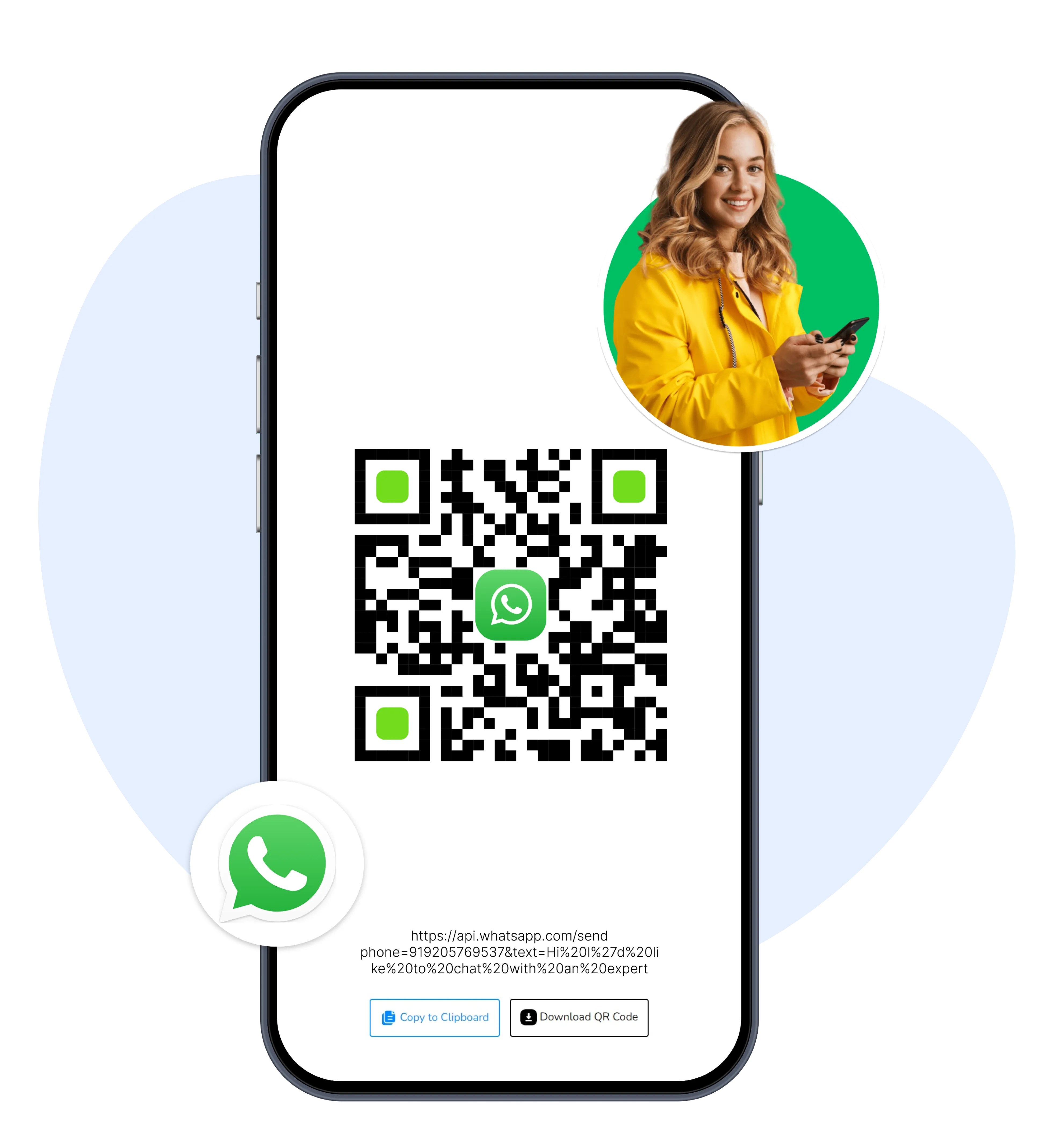
Small shops can display a WhatsApp QR at the counter so customers can easily scan and message about orders or reservations on the go.
Twitter (X) QR code
A Twitter (X) QR code points to a specific Twitter profile or tweet. It works well for sharing live updates or commentary.
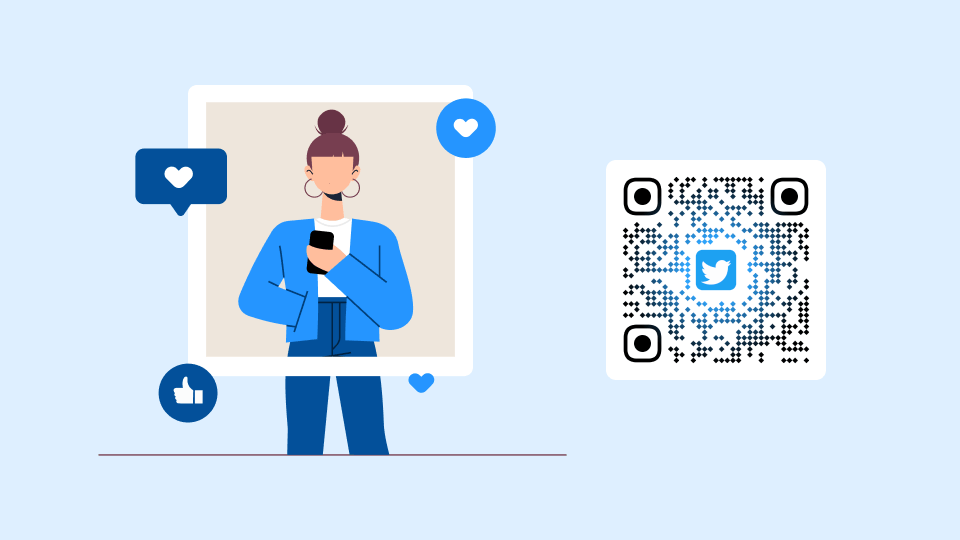
Speakers at events might add an X QR code to slides so attendees can follow them instantly, without any hesitation.
Threads QR code
A Threads QR code leads to a Threads profile or post, helping creators grow audiences on Meta’s text‑focused platform.
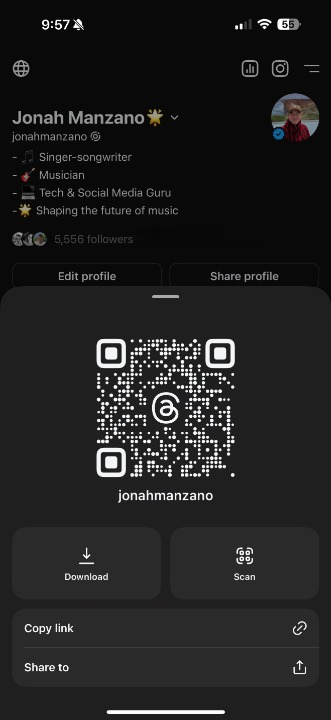
Writers could use a Threads QR in newsletters so readers can follow their real‑time thoughts.
LinkedIn QR code
A LinkedIn QR code links to a personal profile or a company page. It is a strong fit for networking and B2B marketing.
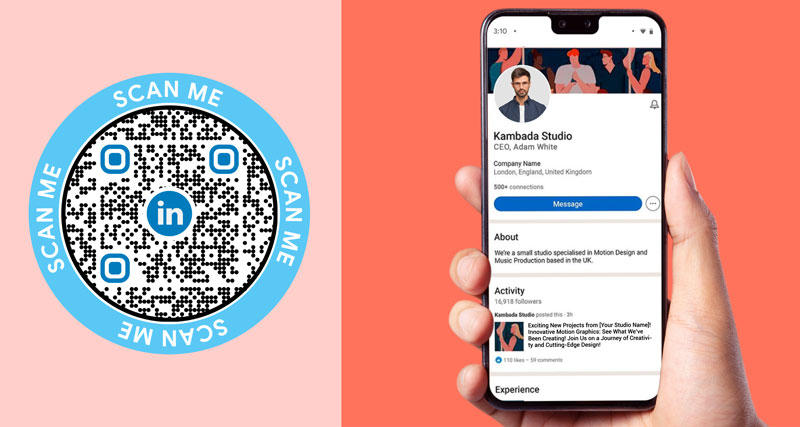
At a trade show, sales reps can display LinkedIn QR codes on lanyards to quickly connect with leads.
Discord QR code
A Discord QR code invites people to join a Discord server or channel. It is perfect for building private or semi‑private communities.
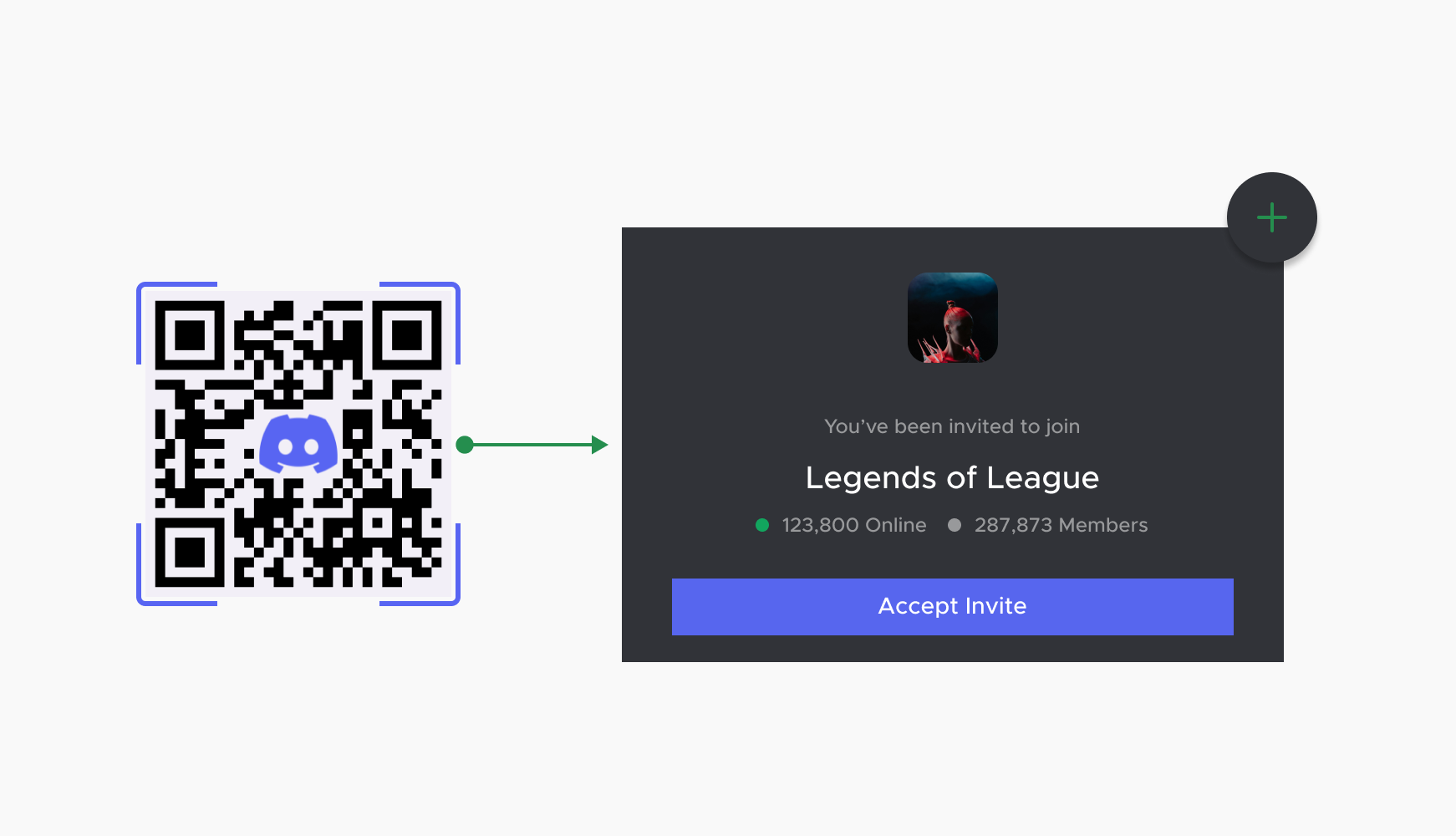
A game studio might use a Discord QR on posters so fans can join their official server without any difficulty.
Bluesky QR code
A Bluesky QR code opens a Bluesky profile for followers on the decentralized social platform. Early‑adopter brands and creators can use it to connect experimental audiences.
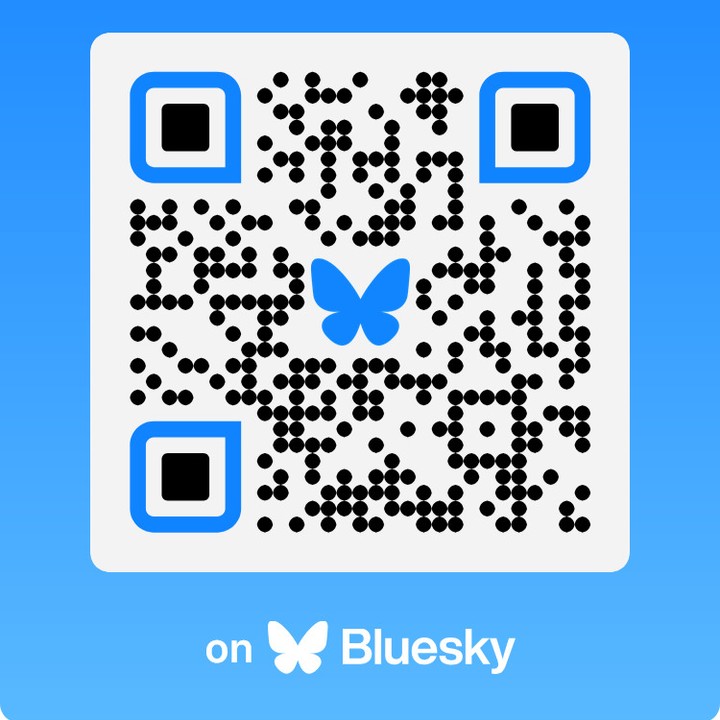
For example, a tech newsletter could add a Bluesky QR at the end of print zines (or magazines) to grow that channel.
Spotify QR code
A Spotify QR code sends users to a track, playlist, album, or artist page. It is ideal for music promotion or branded playlists.
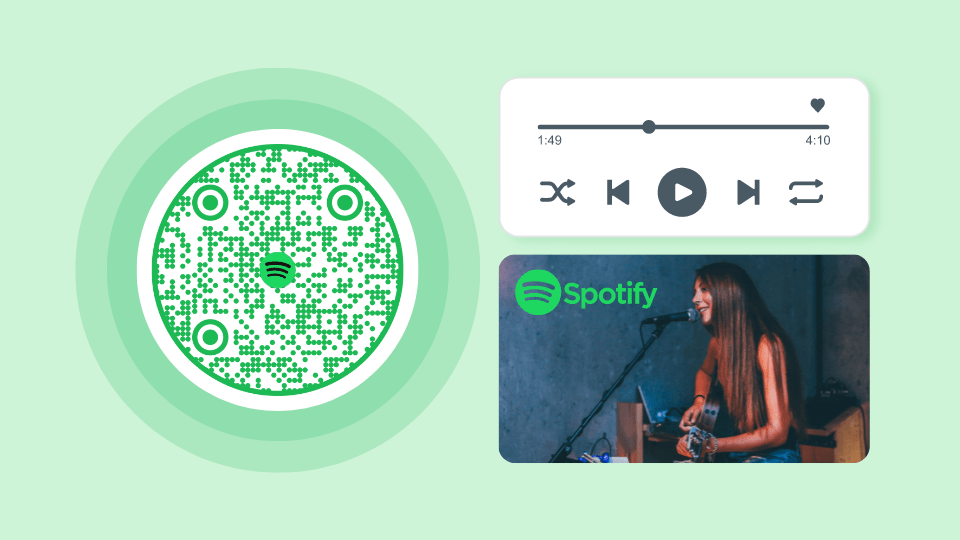
A gym might put a Spotify QR on wall art that opens its official workout playlist.
Payment QR codes
Payment QR codes trigger or pre‑fill a payment within a specific app or system. They are central to contactless payments, tipping, and peer‑to‑peer transfers.
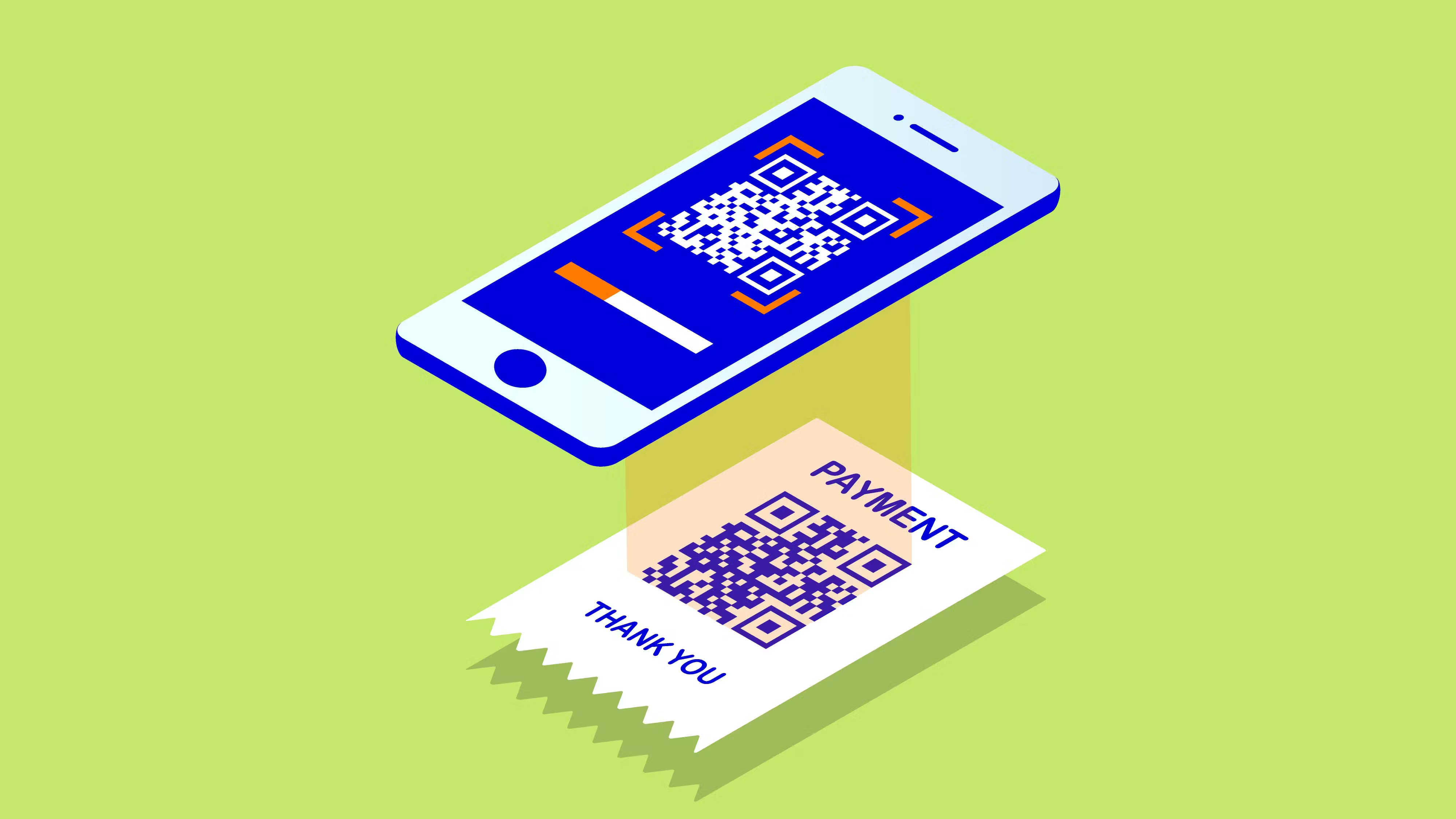
You will often see them on checkout counters, in invoices, in donation boxes, and in print ads that invite quick contributions.
Zelle QR code
A Zelle QR code opens the Zelle flow with the recipient pre‑selected, making transfers much faster. The user just chooses the amount and confirms.
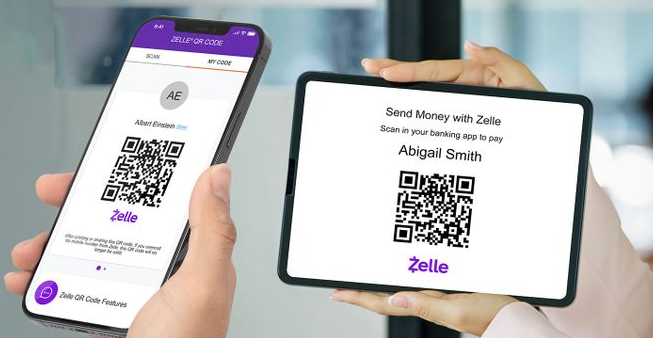
Local service providers can print Zelle QR codes on invoices to receive bank transfers without sharing account details verbally.
Venmo QR code
A Venmo QR code opens a Venmo profile or business page, so the payer can send money or follow the page if he/she desires.
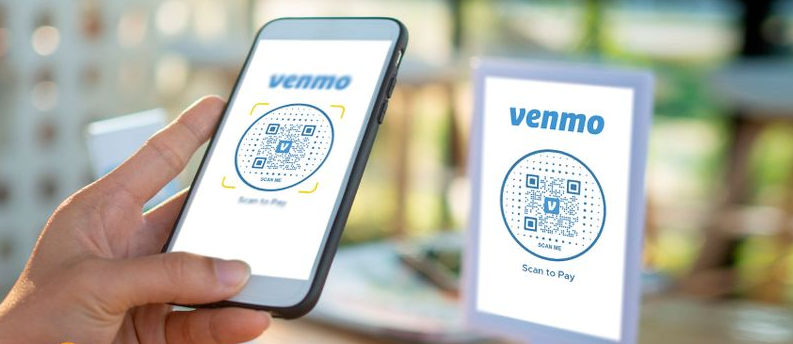
Food trucks often display Venmo QR codes on their windows so customers can pay or tip in seconds.
PayPal QR code
A PayPal QR code starts a PayPal payment to a specific account or checkout. It is common in both online‑first and brick‑and‑mortar businesses.
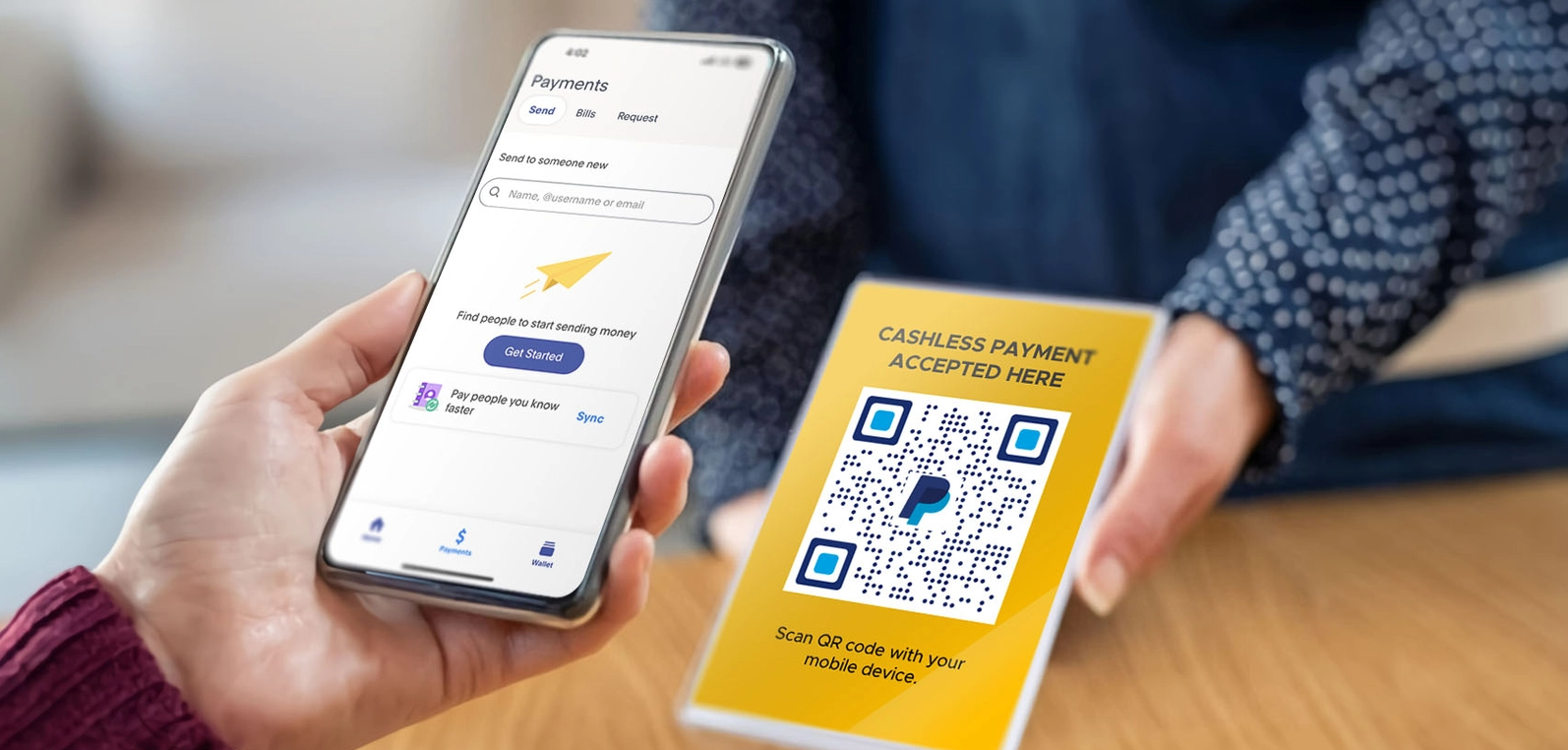
A charity might place PayPal QR codes on posters so supporters can donate on the spot just by scanning the code with their smartphone.
App QR code
An app QR code opens an installed app using a deep link or sends the user to the most relevant in‑app screen. This can guide users to specific features rather than just the home screen.
For example, a bank may use an app QR inside brochures that opens the “Open account” section in their mobile app.
App Store QR code
An App Store QR code takes users directly to an app listing on Apple’s App Store or Google Play. Smarter versions auto‑detect the device type.

A startup can print these QR codes on flyers handed out at events to boost installs with minimal effort.
Product QR code
A product QR code connects a physical product to online information or experiences. It might show specs, tutorials, reviews, or warranties.
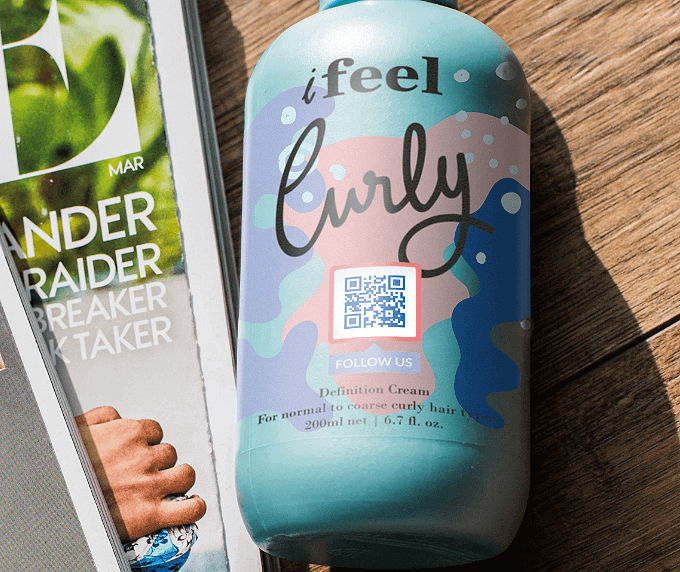
A skincare brand could add product QR codes to bottles that explain ingredients, usage tips, and cross‑sell related items.
Business card QR code
A business card QR code is a scannable contact point placed on a traditional card. It usually stores a vCard or a link to a more detailed profile.
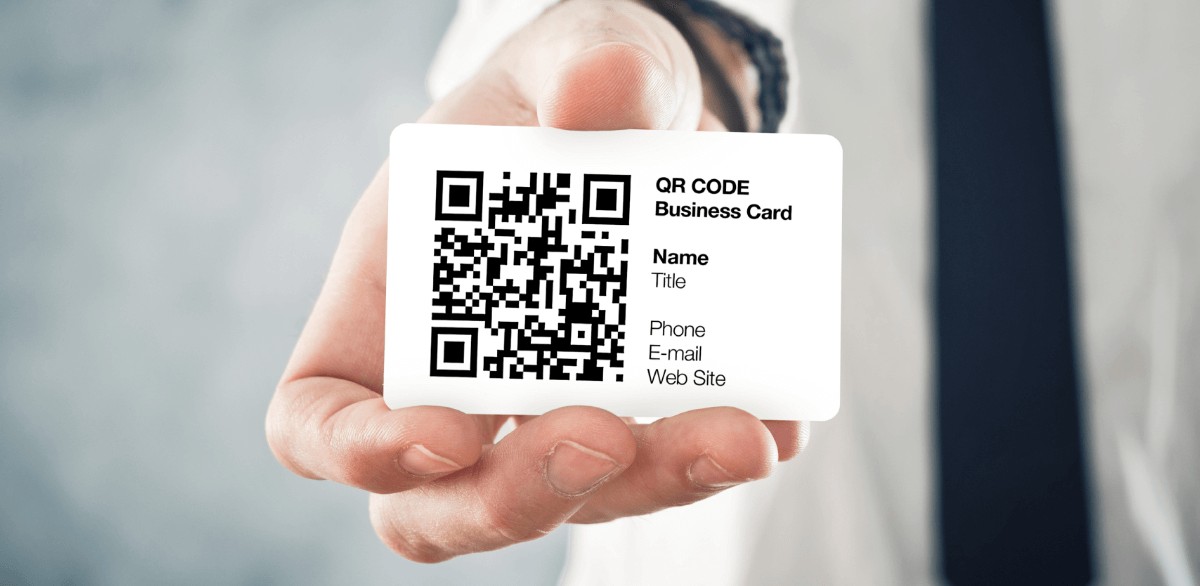
This lets recipients save contact details with one scan while still having a physical card for reference.
Business page QR code
A business page QR code opens a branded landing page about the company or organization, not just a single contact. It can include an address, a map, services, social links, and calls to action.
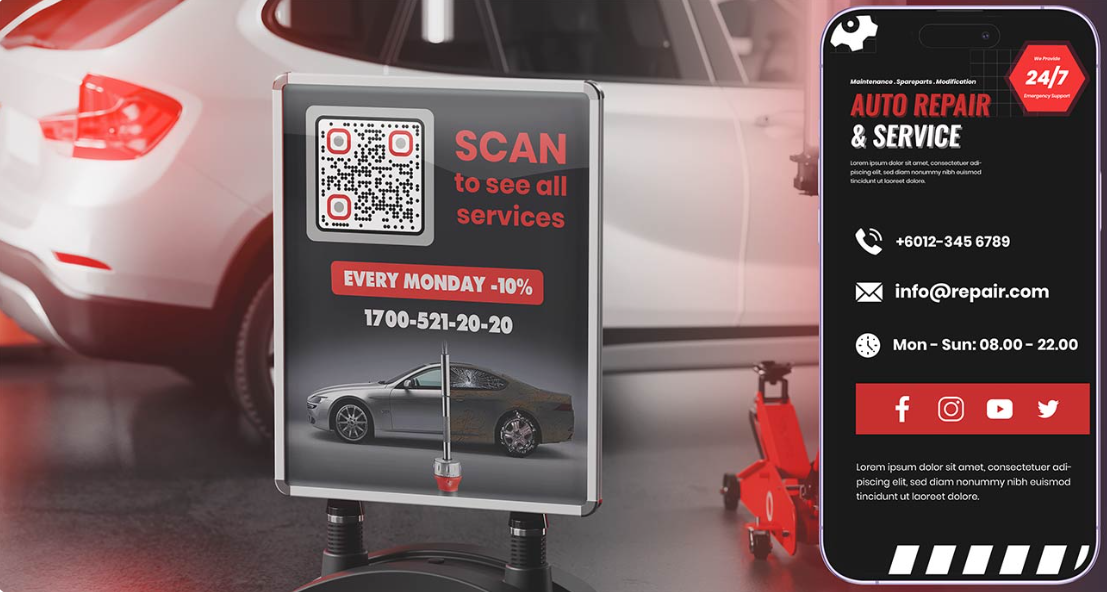
A local agency might place a business page QR on window decals so passersby quickly understand what they offer.
Online booking QR code
An online booking QR code sends users right to a scheduling page in tools like Calendly, Fresha, or a built‑in booking system.
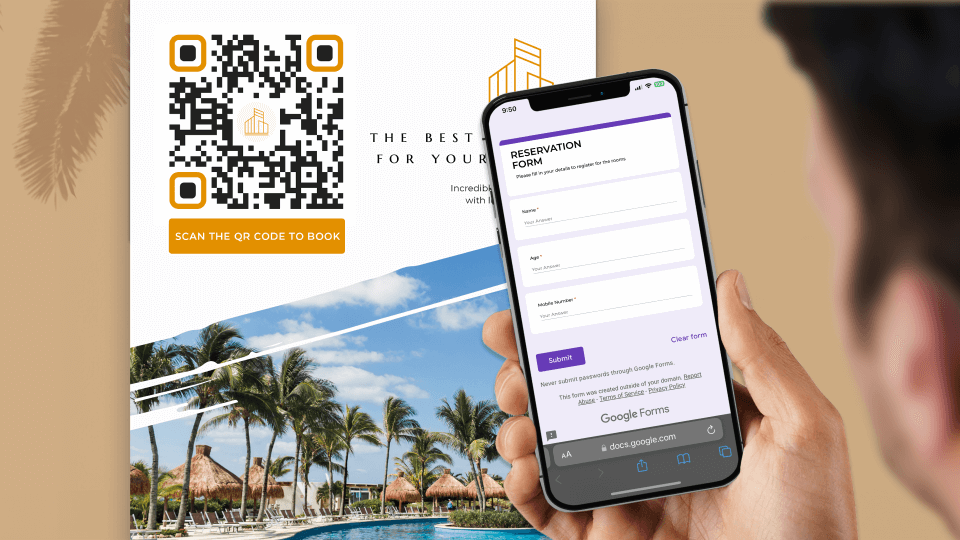
Hair salons, clinics, and studios often use these on posters and cards so clients can pick time slots without calling.
Event QR code
An event QR code contains event details or links to registration and ticketing pages. It can also be encoded as a calendar entry.
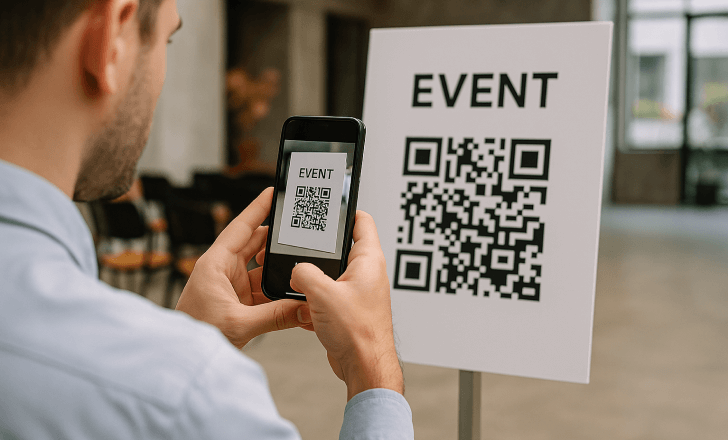
A conference might put event QR codes on invite cards so guests can register or add the event to their calendars in seconds.
Calendar QR code
A calendar QR code stores event information in a format that phone calendars can easily understand. After scanning, users get an option to add the event directly.
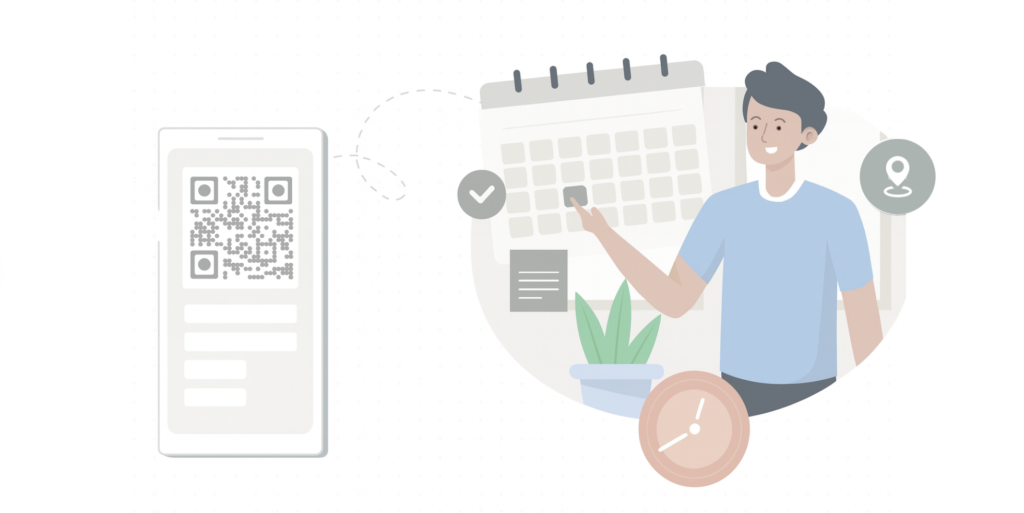
This is great for classes, webinars, or local meetups that rely on good attendance.
Menu QR code
A menu QR code opens a dedicated menu with a list of options or a restaurant or café menu in the browser or as a PDF. It became common during the pandemic and has stayed because it is easy to update.
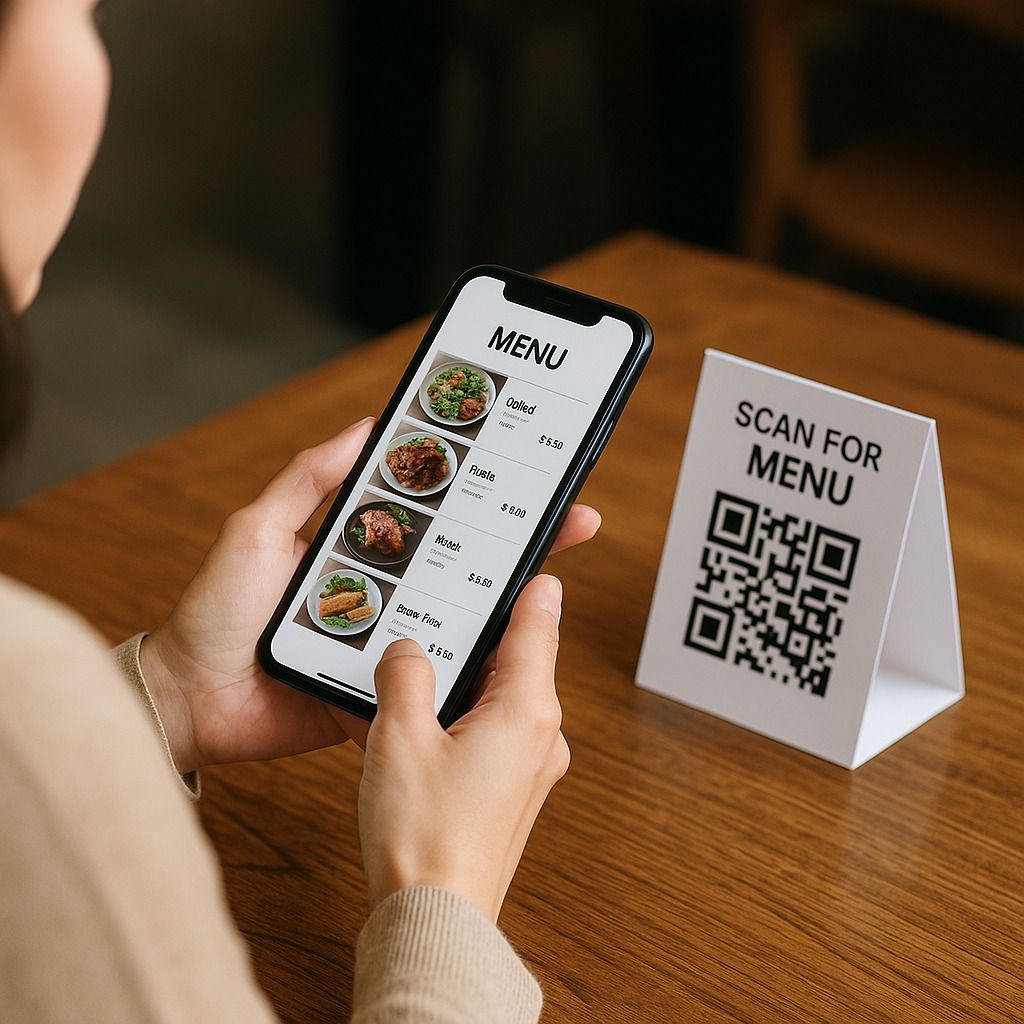
Restaurants can update prices, items, or specials via a dynamic menu QR code without reprinting table tents.
Coupon QR code
A coupon QR code, once scanned, delivers a discount code or promotional page to the user’s phone. It can display rules, expiry dates, and redemption instructions.
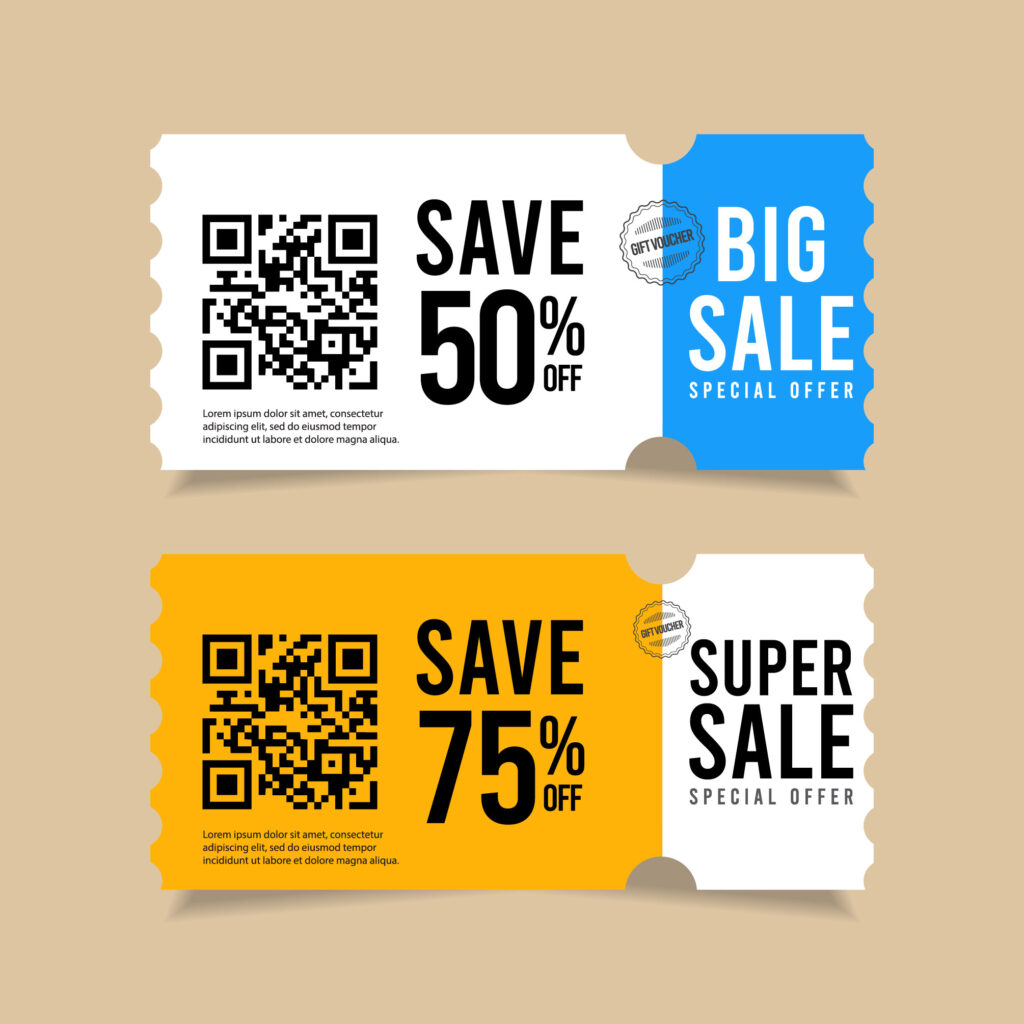
Retailers might add coupon QR codes to print ads or receipts so buyers can claim limited‑time offers seamlessly.
Map/Geolocation QR code
A map or geolocation QR code opens a map app (e.g., Google Maps) with coordinates or an address pre‑filled. It is very helpful for venues that are otherwise difficult to find.
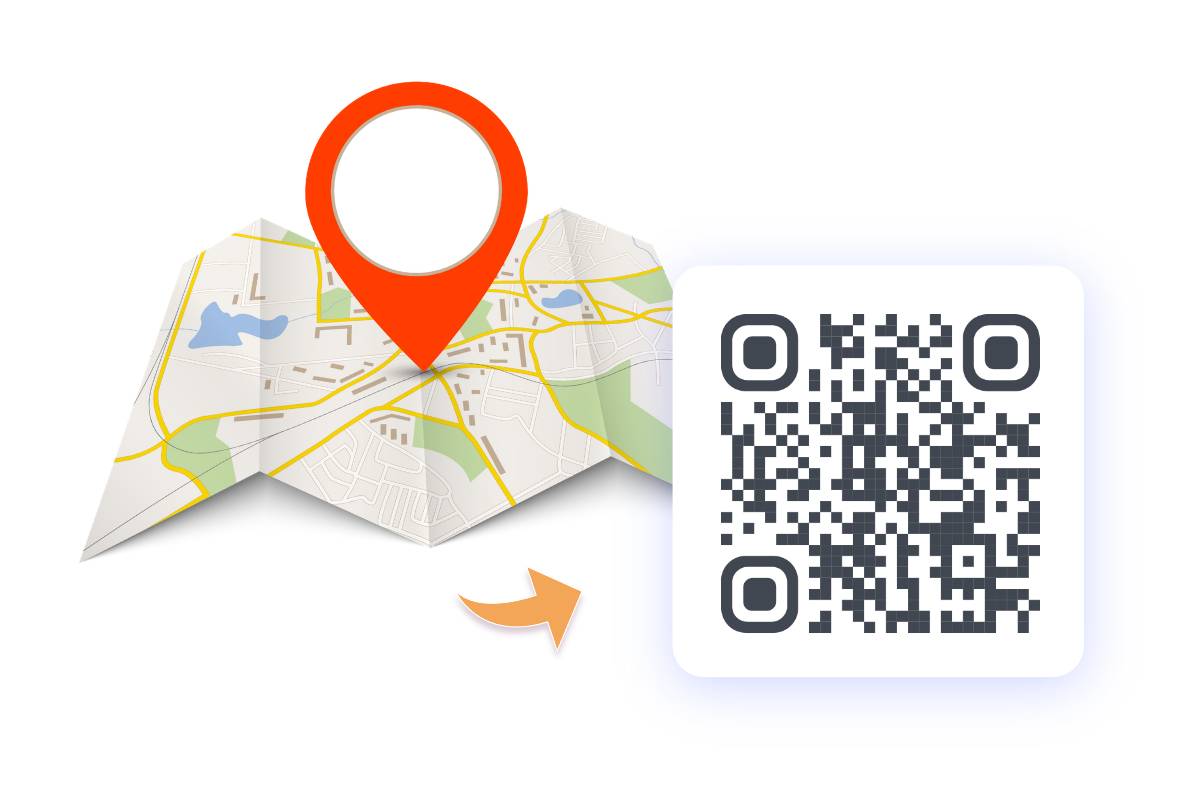
Wedding invitations, for instance, can include map QR codes so guests get driving directions with a single scan.
Alphanumeric QR code
An alphanumeric QR code uses the alphanumeric encoding mode of the QR standard. It is more efficient for strings that mix digits and capital letters. This matters when you pack codes, IDs, or short messages into small symbols.
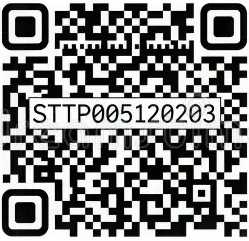
A factory might encode batch IDs like “AB3F21” in alphanumeric mode to save space.
Binary QR code
A binary QR code uses byte or binary mode to store arbitrary data as raw bytes. It can hold any character in supported sets, not just letters and numbers.
Developers might use binary QR codes to share configuration files, encrypted blobs, or small data packets offline.
Smart rules QR code
A smart rules QR code uses conditions such as device, location, language, or time to decide where to send each scan. It is always dynamic and rule‑driven.
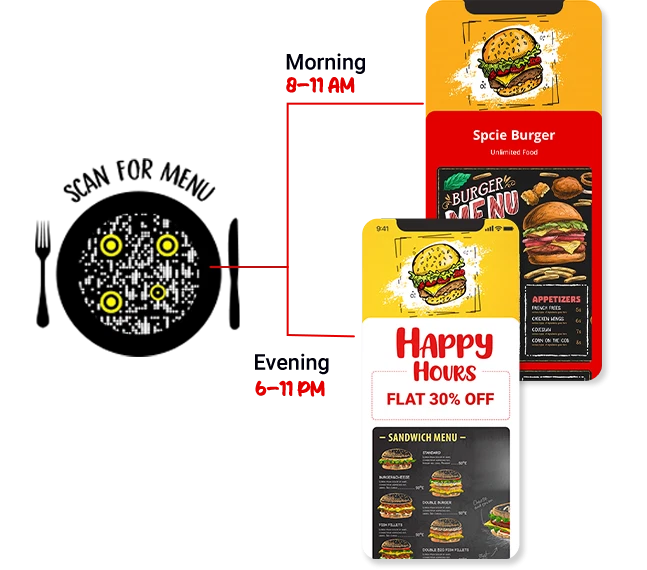
With Replug, for example, you can point one smart rules QR to different sales pages by region, or show different offers before and after a launch date. Smart rules and analytics turn QR codes into measurable campaign hooks rather than blind links.
Structured append QR code
Structured append QR codes split large datasets into multiple QR symbols that work together in harmony. When scanned in sequence, the reader reassembles the full content.

This is rarely needed for marketing but is helpful in technical or archival contexts where big data chunks must be printed across several codes.
Screenshot QR code
A screenshot QR code is any QR designed mainly for use on screens rather than print. The idea is that people screenshot it and scan from their gallery or another device, hassle-free.
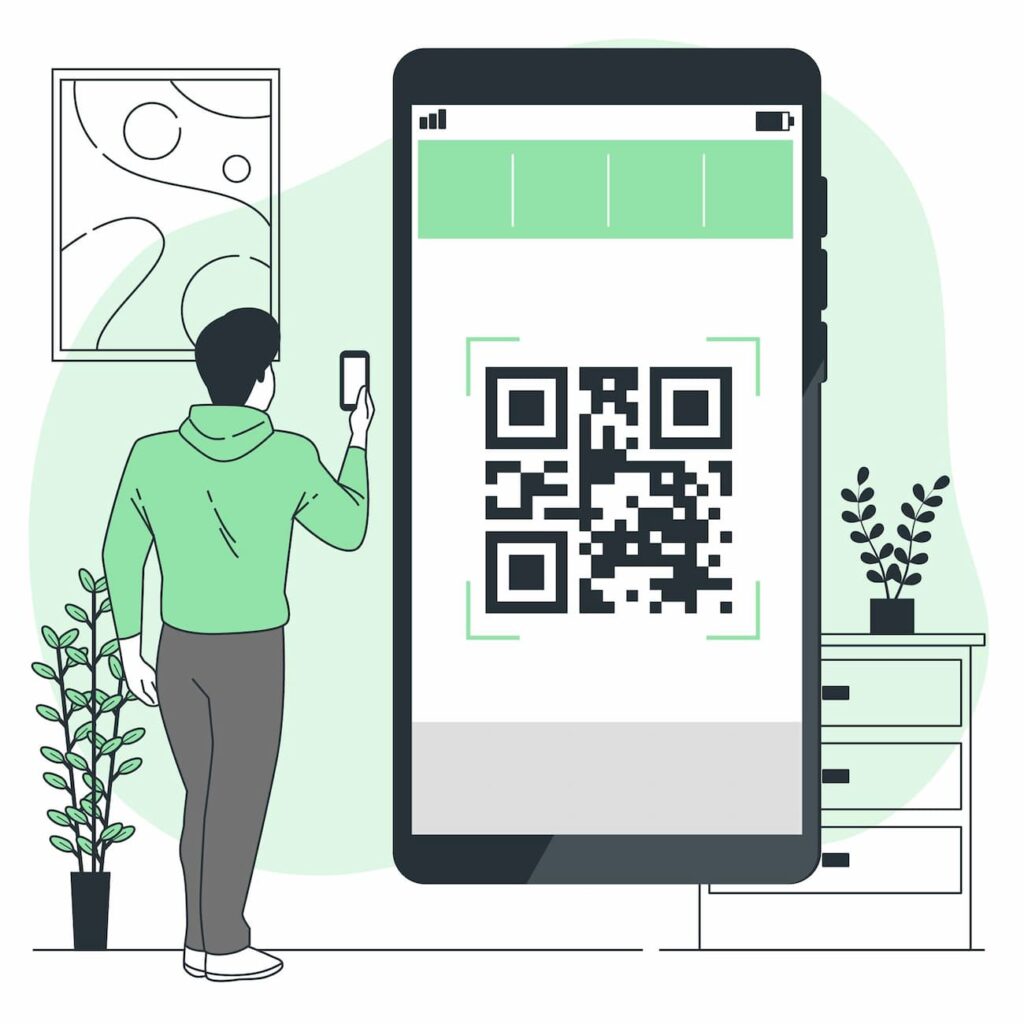
Creators often add screenshot‑friendly QR codes to videos or livestreams so viewers can quickly grab the code and visit links later.
Kanji QR code
A Kanji QR code uses the special Kanji encoding mode optimized for Japanese characters. This packs Japanese text more compactly than basic byte mode.

Businesses targeting Japanese speakers can use this type of QR code to store messages, addresses, or product names in a much smaller space.
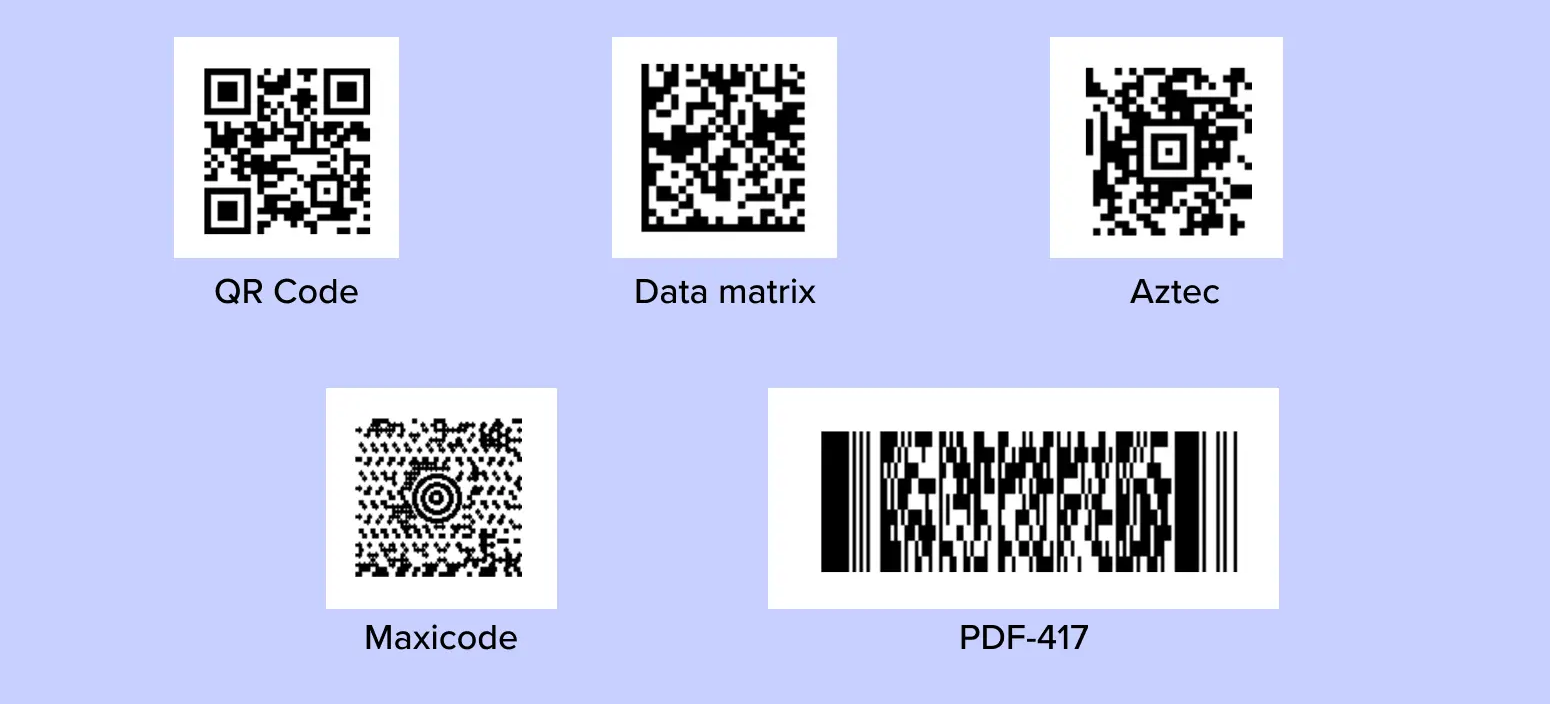
Types of 2D QR codes
When people talk about “2D QR codes,” they often group quick response codes with other matrix and stacked symbols. They are not all technically QR, but they solve similar problems.
Knowing these options helps when picking a code type for packaging, tickets, or industry systems.
Standard QR code
The standard QR code is the square, three‑cornered symbol most people generally know. It supports multiple encoding modes, four error‑correction levels, and 40 size versions.
This is what most online QR code generators create by default for marketing, menus, and payments, etc.
Micro QR code
Micro QR code is a compact version of QR with just one corner finder pattern. It is designed for small items such as circuit boards, cables, or small labels.
Where space is tight, and only a few characters are needed, Micro QR is a much better fit than a full symbol.
DataMatrix QR code
Data Matrix is another 2D code format, not a true QR code, but often discussed in the same breath. It uses a square or rectangular grid with a solid L‑shaped border.
You see it widely in the pharmaceutical and electronics industries, where small, high‑density marks are needed on parts.
GS1 DataMatrix
GS1 DataMatrix applies GS1 standards to the Data Matrix format to encode things such as GTIN, lot numbers, and expiry dates. It supports traceability across supply chains.
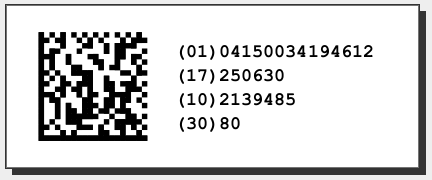
Pharma packaging, medical devices, and regulated products commonly use GS1 DataMatrix for compliance and recall management.
PDF417
PDF417 is a stacked barcode made of several linear rows. It can store large amounts of data, including photos and long text.
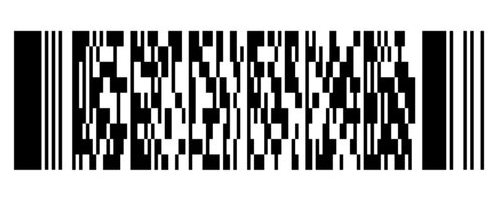
Boarding passes, ID cards, and shipping labels often rely on PDF417, where big payloads are required in one single code.
QR Code Model 2
QR Code Model 2 is the modern standard for QR symbols, defined in ISO/IEC 18004. It includes alignment patterns, strong error correction, and broad reader support.
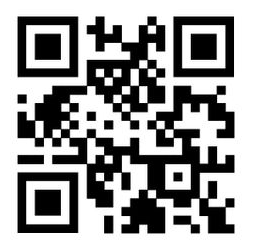
If your QR code gets easily scanned with a smartphone camera today, it is almost certainly Model 2.
MaxiCode
MaxiCode is a circular 2D code with a bullseye pattern in the center. It was initially created for high‑speed sorting and routing.
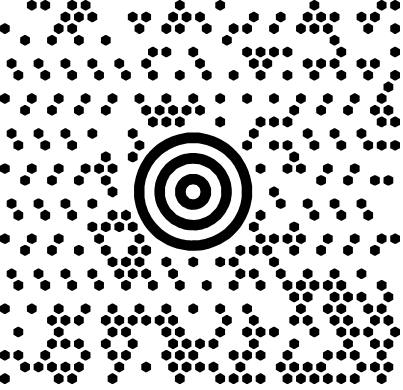
Parcel firms such as UPS have used MaxiCode on shipping labels to guide packages through conveyor systems.
DotCode
DotCode uses small dots instead of squares and is tailored for high‑speed printing on curved or uneven surfaces.
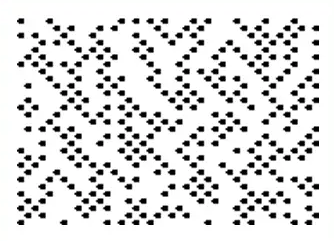
It appears on cigarette packs, beverage cans, and other items that are marked by continuous inkjet printers at very high speed.
Han Xin
Han Xin code is a 2D symbol designed in China, optimized for Chinese characters but capable of storing other data as well. It supports a wide range of sizes and capacities in the best possible fashion.
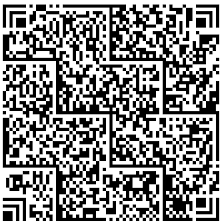
It is used in some regional payment and identification systems, where its text support and high capacity prove helpful.
Aztec Code
Aztec Code has a central point and data rings around it, allowing it to work well even when printed small or with minimal quiet zones.
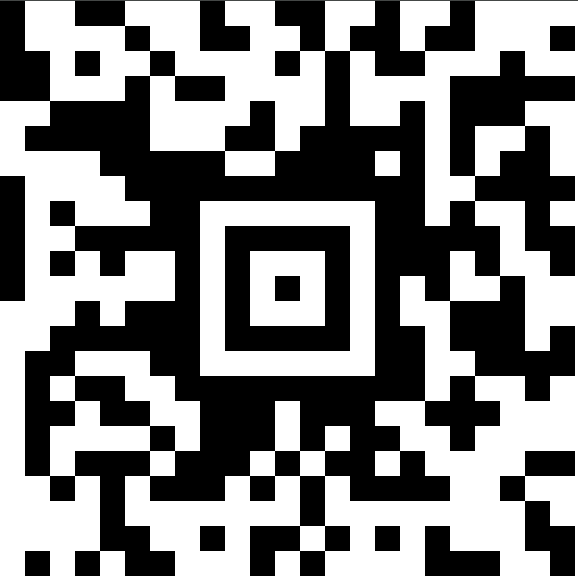
Transport tickets, such as train or boarding passes in some countries, often use Aztec because it scans reliably on screens and paper.
How to pick the right QR code type: Key points to consider!
With so many types of QR codes, the best option depends on what you want the scan to do, how often the content might change, and where the code will live. A little planning here saves reprints and headaches later.
Dynamic vs. static
The first choice is whether the content should ever change. If the link needs updates, tracking, or targeting at a later stage, dynamic QR codes are usually the right option.
Static codes are fine for:
- Permanent details
- Plain text notes or instructions
- Simple maps or addresses that rarely change
For campaigns, product packaging, and paid media, dynamic QR codes give you the safety net to fix links, run A/B tests, and read scan data.
Content type
Next, match the QR code to the content or action.
For example:
- If you want traffic to a website, a URL or a landing page QR code might be the best option.
- For rich contact sharing, vCard or business page QR codes make more sense.
- For bookings, payments, or feedback, use online booking, payment, or survey QR codes designed for that flow.
Start with your end action, then choose the format that gets users there with the fewest taps.
Design & usability guidelines
Design matters as much as function.
Keep these basics in mind:
- Maintain a strong contrast between code and background.
- Avoid very light colors or busy patterns behind the code.
- Leave enough white space (quiet zone) around the code.
- Make the printed size large enough for comfortable scanning at expected distances.
- Add clear microcopy, such as “Scan for menu” or “Scan to pay,” so people know what will happen.
Note: Before going live, test your QR codes on multiple devices, both printed and on screens, under different lighting conditions.
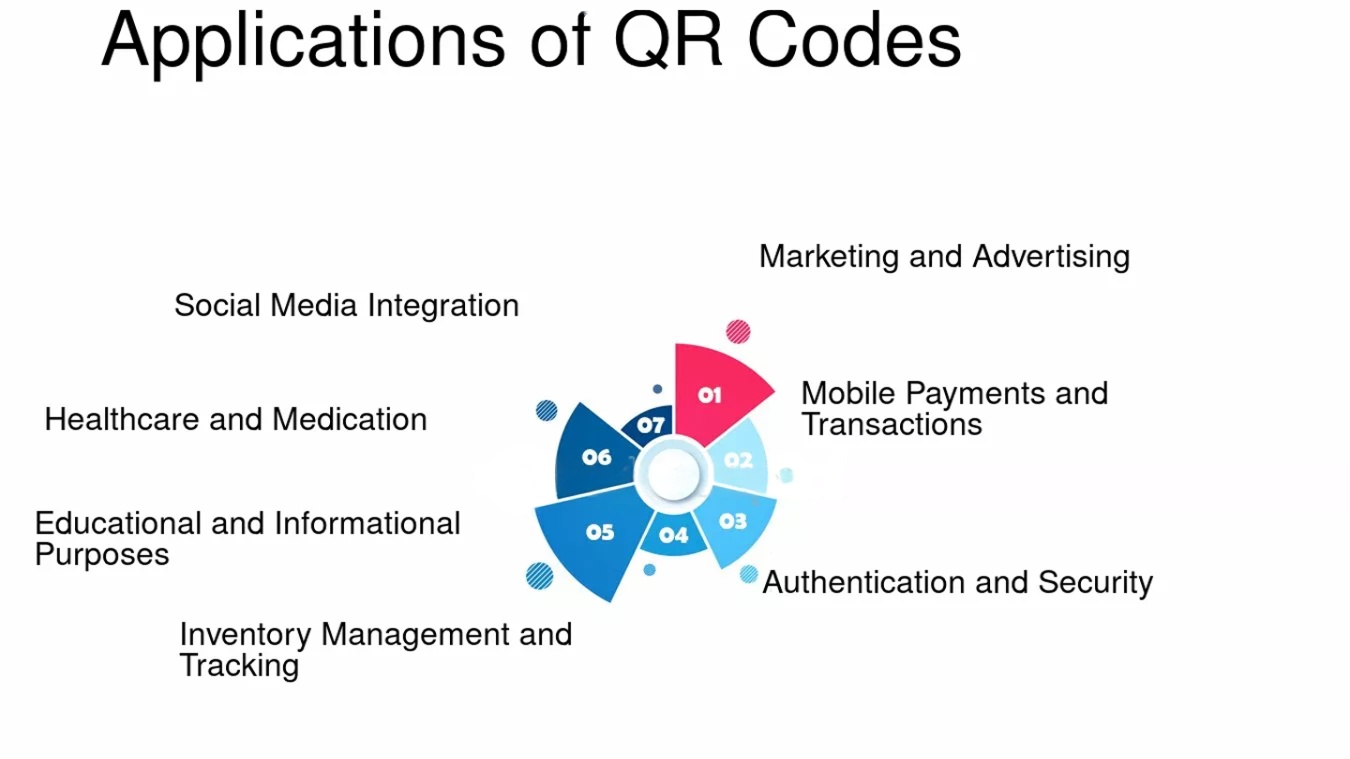
Applications of QR codes
The real power lies in the various uses of QR codes across everyday touchpoints. From payments to packaging, they quietly connect offline experiences to digital actions. Here are some of the most common ways industries rely on them.
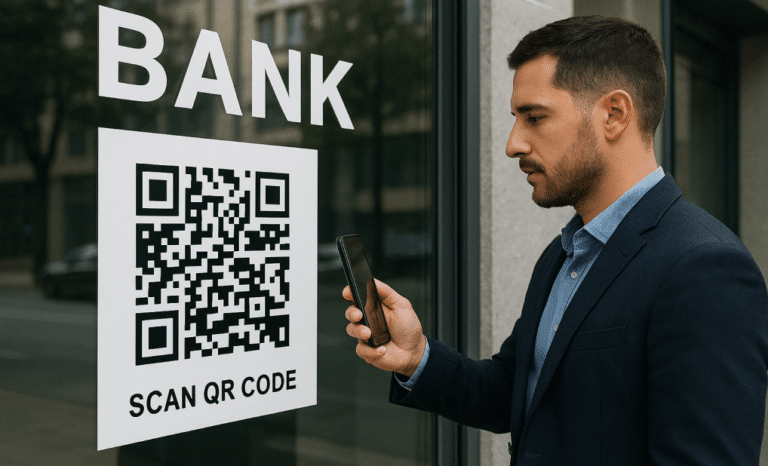
Payments & finance
Banks, wallets, and fintech apps use QR codes for payments and instant transfers. They cut down on card terminals and cash handling while still giving clear records.
Street vendors, small shops, and freelancers can also accept digital payments just by printing a code and linking it to their personal wallet.
Marketing & advertising
In marketing, QR codes turn posters, print ads, out‑of‑home placements, and packaging into clickable media. They pull people into websites, videos, and social feeds without manual typing.
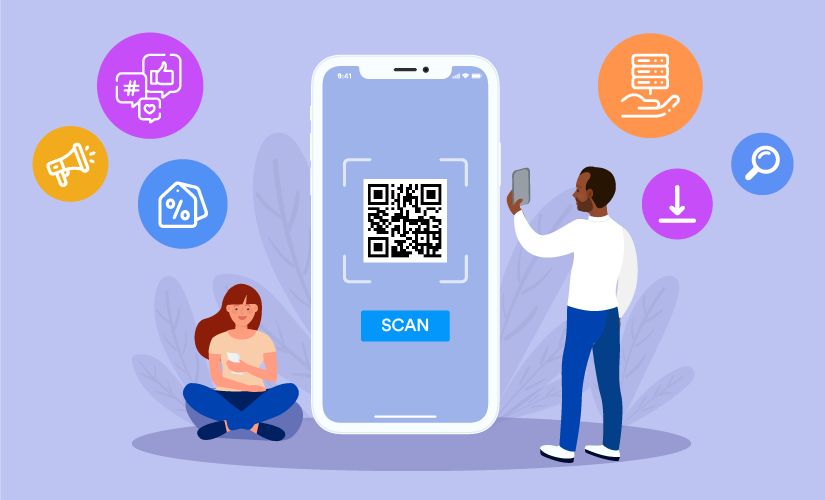
By using dynamic QR codes with analytics, marketers can see which designs, placements, or channels drive the most scans and conversions. They can then adjust settings or offers based on real data.
Product information (smart packaging)
Brands place QR codes on boxes and labels to share rich product stories: origin, ingredients, user guides, and sustainability details. This keeps the packaging clean while still providing detailed information.
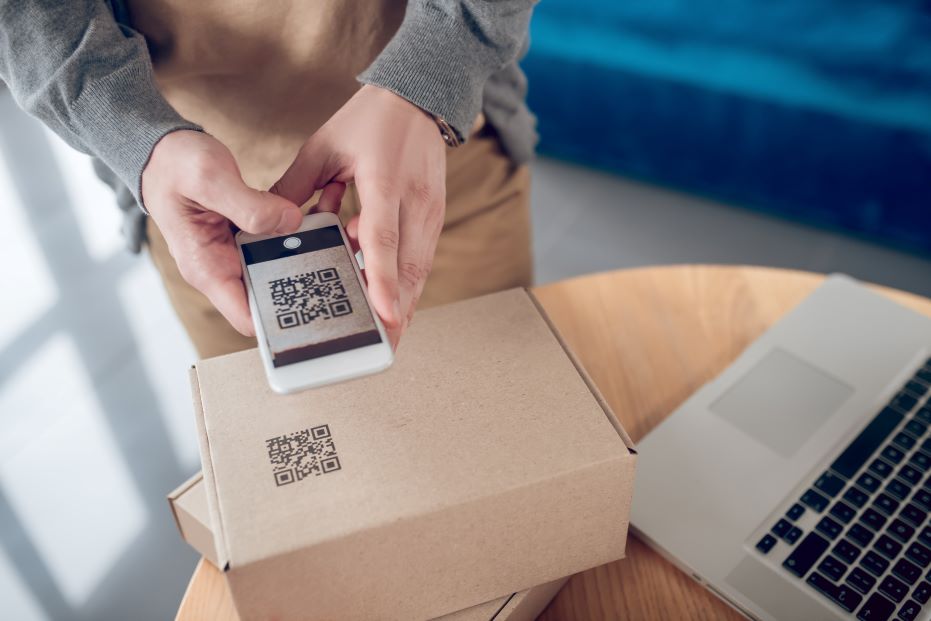
Smart packaging codes also help drive post‑purchase engagement, such as tutorials, care tips, feedback forms, and loyalty programs.
Hospitality & dining
Restaurants and hotels rely on QR codes for menus, room information, and ordering flows. Menus can change daily behind one stable code, saving on reprints.
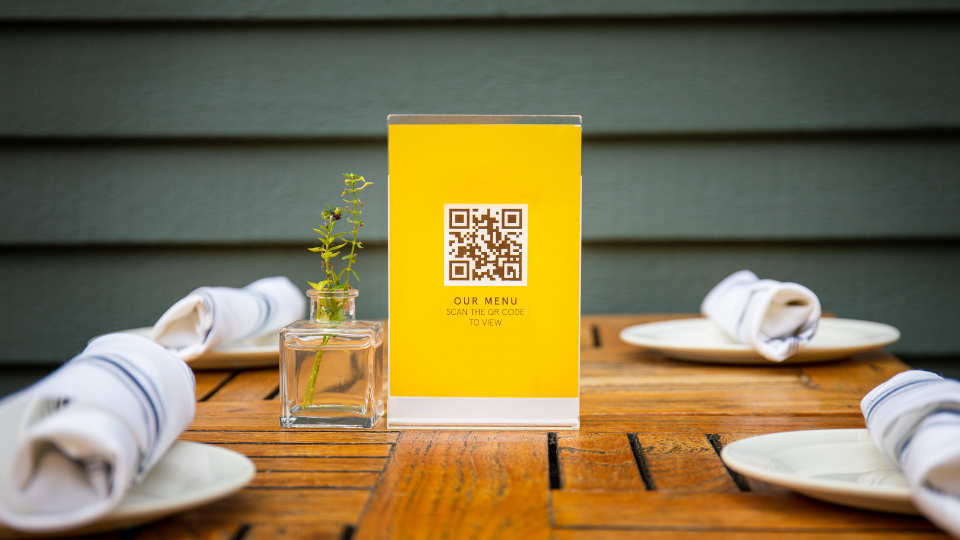
Resorts use QR codes for Wi‑Fi access, spa bookings, or local guides, available right from room cards or lobby signs, reducing pressure on front‑desk staff.
Logistics & inventory
In logistics, QR and related 2D codes help track items through warehouses, trucks, and stores. They carry serial numbers, lot codes, and dates in a compact form.
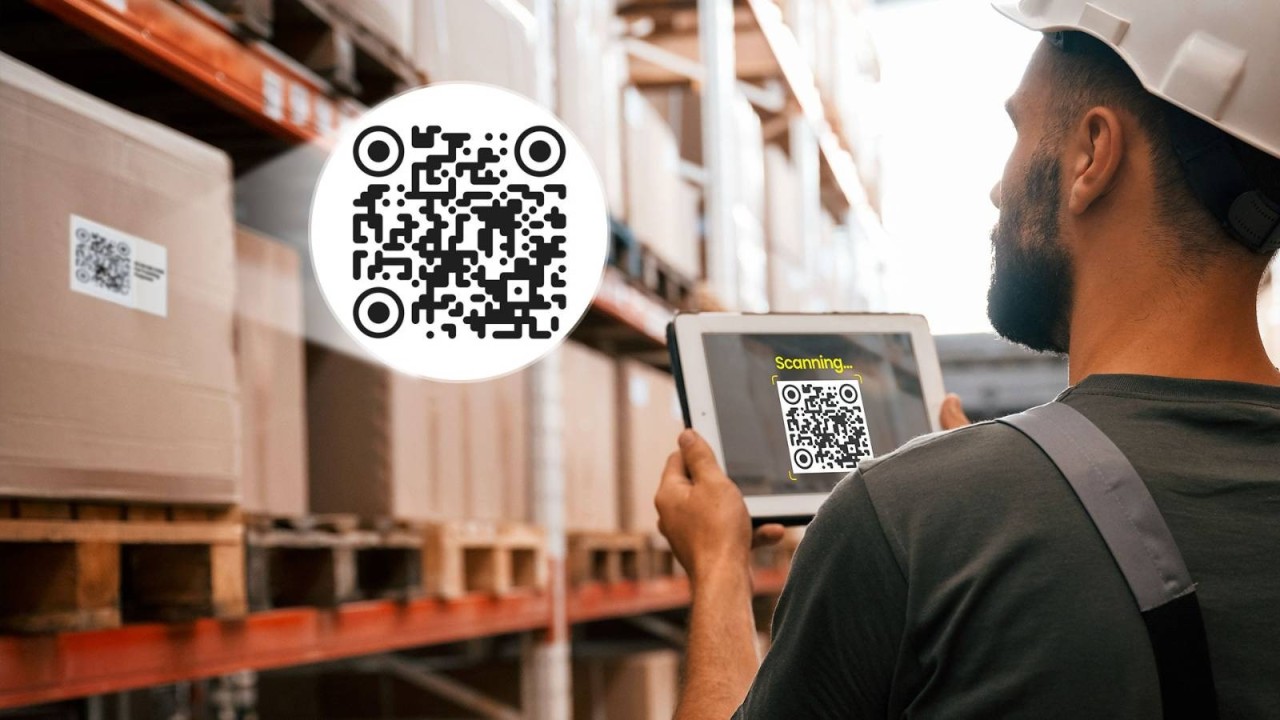
Teams scan codes to:
- Update stock levels
- Confirm deliveries
- Trace goods for quality checks or recalls
This makes audits and recalls faster and more accurate.
Authentication & information sharing
QR codes support anti‑counterfeiting and secure data sharing. Serialized codes let customers verify a product’s authenticity via a branded page.
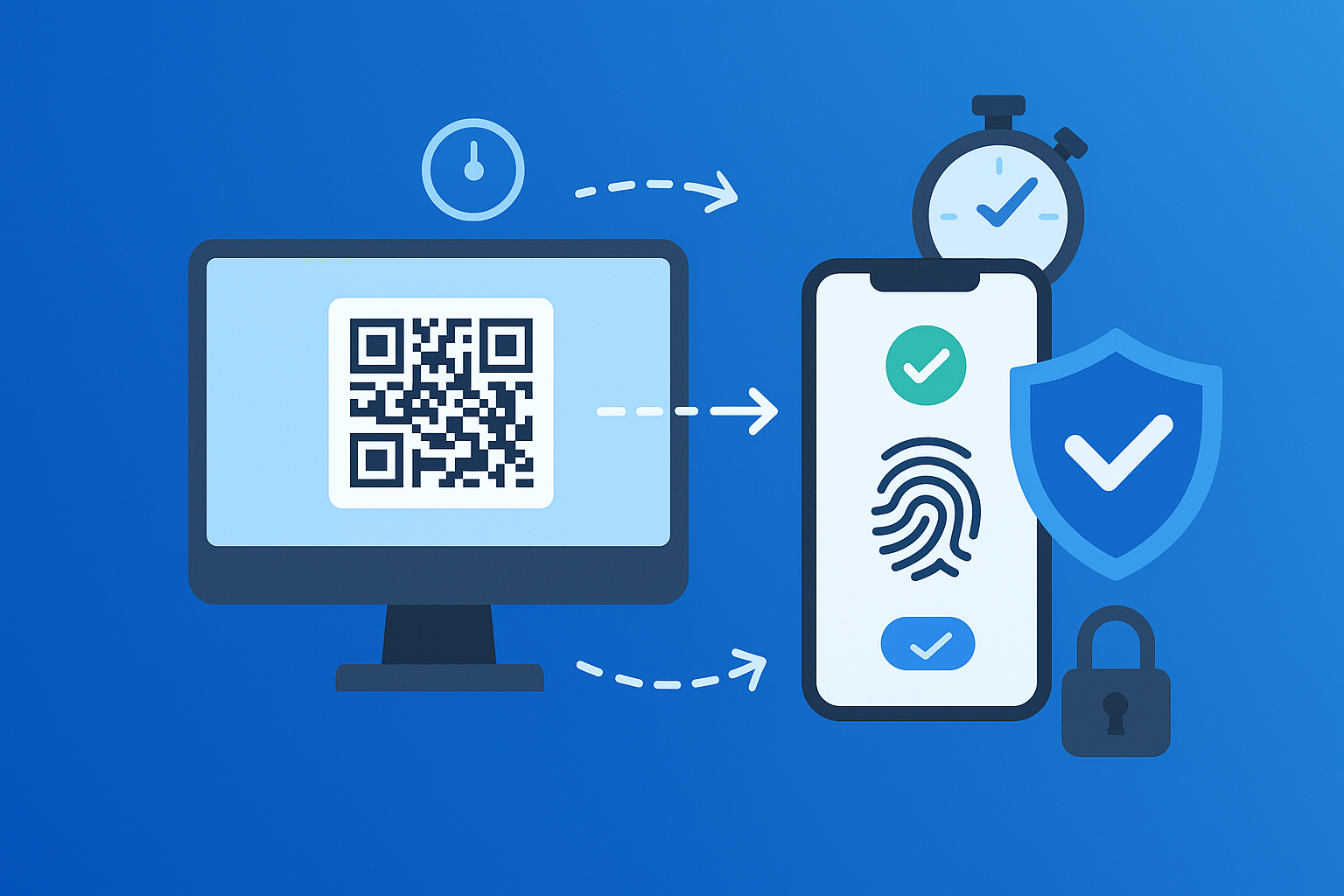
Secure formats like SQRC can hold private data visible only to authorized scanners, which is useful for healthcare, access control, or employee IDs.
Personal utility
On the personal side, people use QR codes on resumes, portfolios, wedding invites, or personal cards. They connect printed materials to online profiles, maps, or playlists.
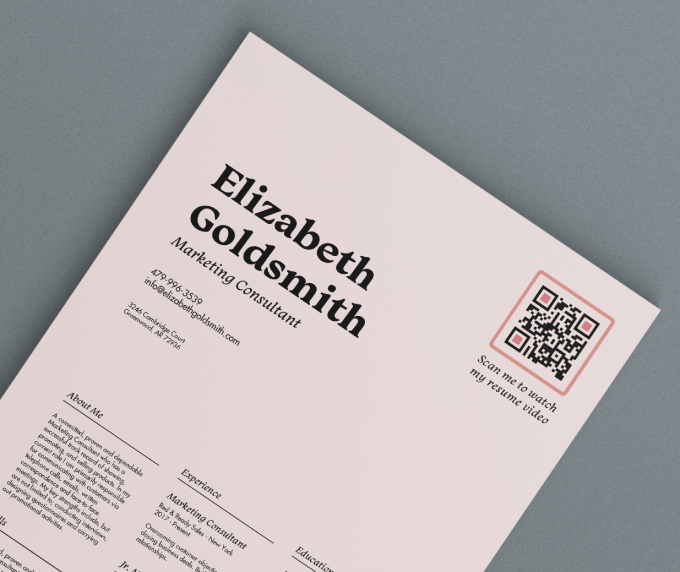
Content creators and freelancers often share a single biolink QR that bundles their portfolio, social handles, and booking links.
How to create a QR code for your business with Replug’s QR code generator!
Replug is an all‑in‑one link management platform with a built-in, powerful dynamic QR code generator. You can create branded, trackable QR codes that update any time without touching the printed code.
Here is a simple way to get started!
1. Decide what you want people to do after scanning
Clarify the main goal first, such as visiting a sales page, watching a video, joining your email list, or booking a call. A clear action makes it easier to pick the right QR type and landing experience.
2. Sign up or log in to Replug
Create an account on Replug, or if you already have one, sign in and open the dashboard. You will manage your QR codes and analytics from this central place.

3. Go to the QR codes section
Inside the header, you will see various options. Here, click the one labeled “QR Codes.”

4. Generate your QR code
Now, click the button “Create QR Code.” Subsequently, fill in the required field, i.e., “Title,” with a name of your choice that best represents the QR code. Moreover, select the type of QR code you want, and enter the required details.

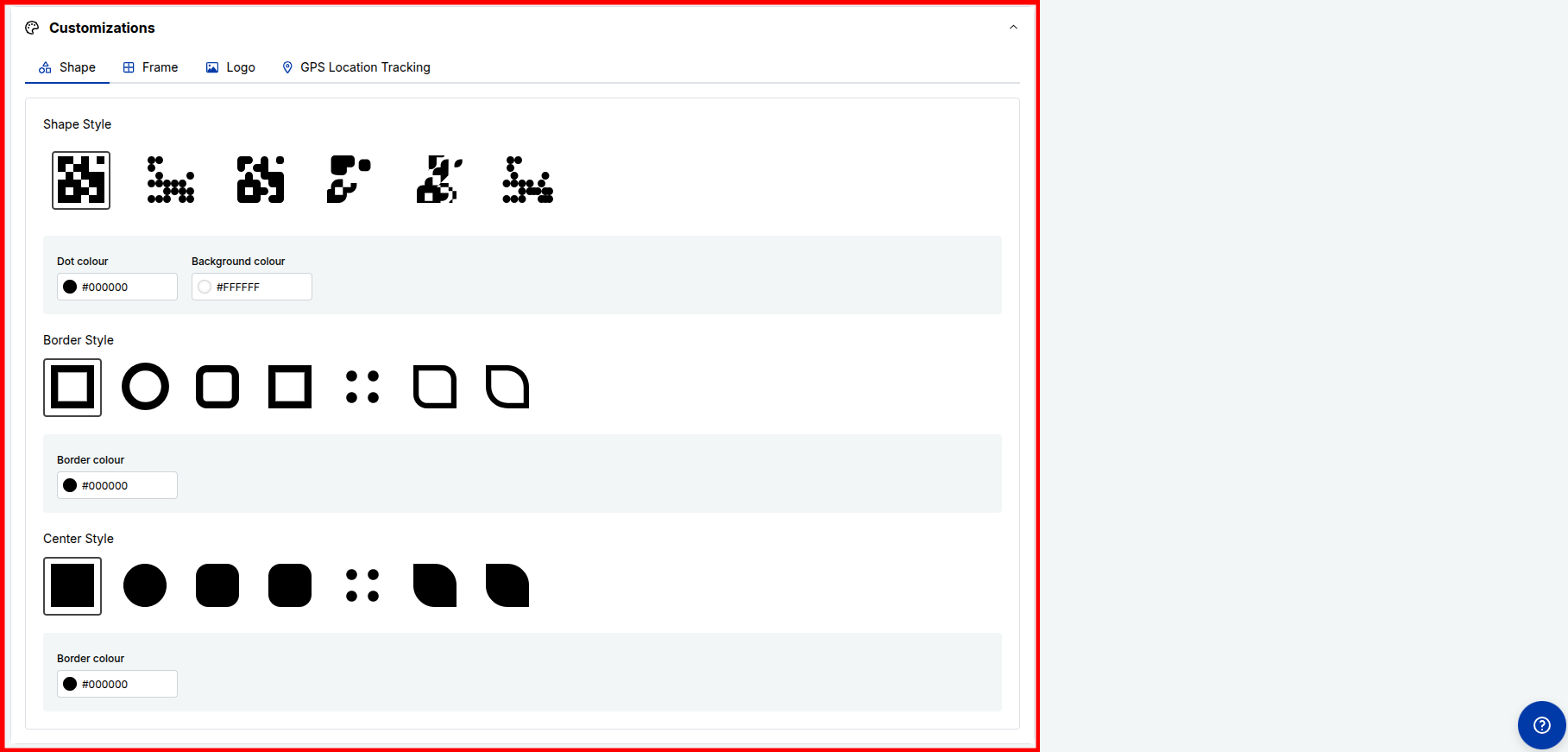
5. Customize the design to match your brand
Adjust the “Shape,” “Frame,” “Logo,” and “GPS Location Tracking” options while keeping a clear, quiet zone.
6. Download in the right format and test
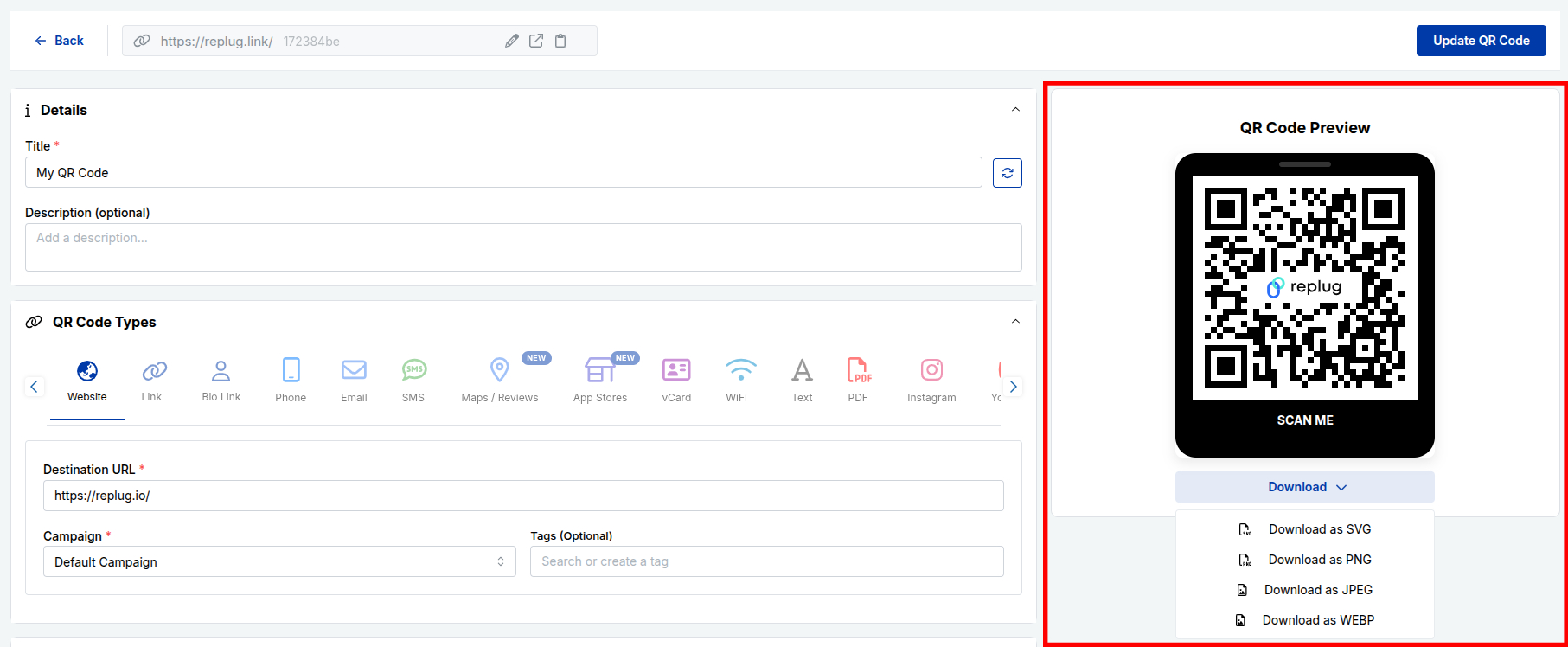
Now click the “Create QR Code” button in the top-right corner. Export the QR code in high‑resolution SVG, PNG, JPEG, or WEBP, depending on where you will use it. Print a sample or place it in your design, then scan it with multiple phones to make sure it works smoothly.
7. Track performance and improve campaigns
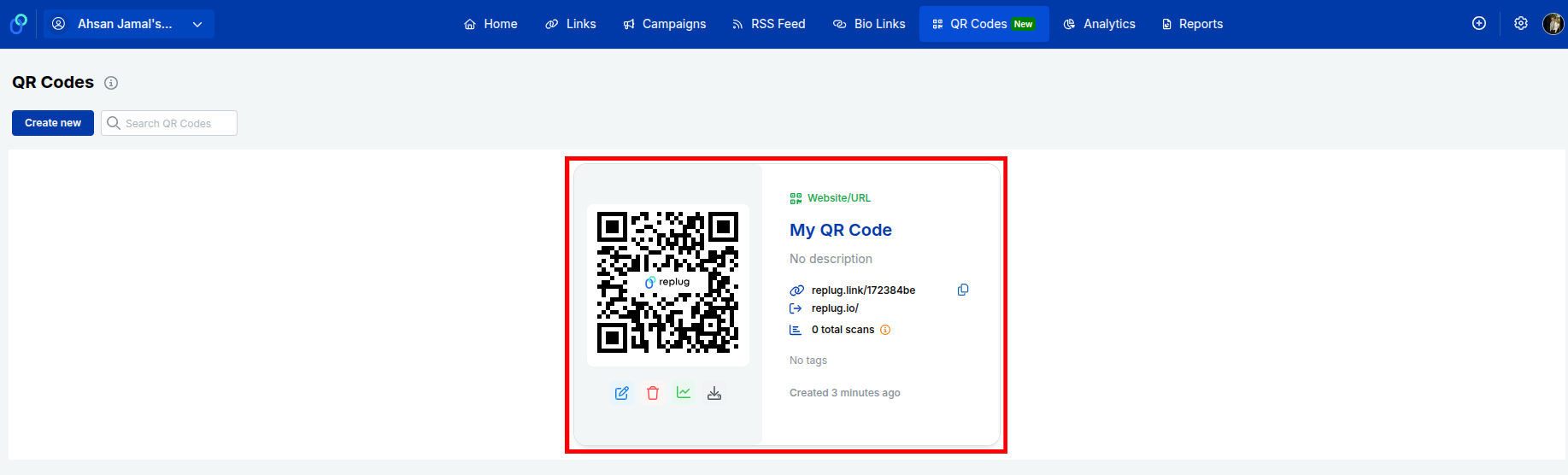
Back in Replug, watch total scan counts and detailed stats. Use this data to tweak your pages, offers, or placements, and update the QR destination whenever your campaign needs a change.
Related: How to create a QR code using Replug?
QR code vs. barcode: Major differences explained!
QR codes and traditional barcodes both store data for machines to read, but they do it in very different ways. That leads to significant differences in capacity, use cases, and user experience.
| Feature | QR code | Barcode (1D) |
| Shape | Square matrix of small modules | Horizontal lines of varying widths |
| Data direction | Two‑dimensional, across rows and columns | One‑dimensional, along a single line |
| Data capacity | Thousands of characters are possible | Usually 20–25 characters at most |
| Typical content | URLs, text, contacts, Wi‑Fi, payments, more | Product IDs for price lookup |
| Error handling | Built‑in error correction; can read when partly damaged | Very sensitive to damage or distortion |
| Scanning devices | Readable by smartphone cameras and 2D scanners | Needs laser barcode scanners or special apps |
| Space efficiency | Stores lots of data in a small area | Needs more width as data grows |
| Editability | Dynamic codes let you change destinations later | The encoded value is fixed once printed |
| User interaction | Acts as a bridge to websites, apps, and media | Designed mainly for internal inventory systems |
Static QR code vs. dynamic QR code: Which one works best!
Static and dynamic QR codes look almost identical, but behave very differently once people start scanning. Knowing when to use each one will save you from broken campaigns and reprints.
| Feature | Static QR code | Dynamic QR code |
| Data storage | Final data (full URL, text) is stored directly | Stores a short redirect URL managed online |
| Edit after print | Not editable, needs a new code for any change | Destination and rules can be updated anytime |
| Analytics | No built‑in tracking | Tracks scans, devices, locations, and more |
| Size and density | Can become dense with long URLs | Often simpler because the link is short |
| Advanced rules | Not supported | Supports device, location, and time‑based routing |
| Best for | Permanent info that rarely changes | Marketing, campaigns, packaging, and tests |
Static codes are fine for long‑term, stable information, such as Wi‑Fi details in a small office or a simple contact label. Dynamic codes, on the other hand, are better for almost every marketing use, from flyers and posters to smart packaging and menus. With a platform like Replug, dynamic QR codes give you control, data, and flexibility without changing the physical print.
Wrapping up
QR codes started as a tool for tracking car parts and grew into a simple way to connect anything printed with anything online.
Once you understand the main types of QR codes, from static and dynamic to payment, social, and smart rules, it becomes much easier to design flows that feel smooth for users and useful for teams.
Creators, marketers, and businesses can now turn every card, label, poster, and package into a trackable entry point. With a dynamic QR code generator like Replug, you keep control even after the ink is dry, updating destinations and reading real‑time scan data.
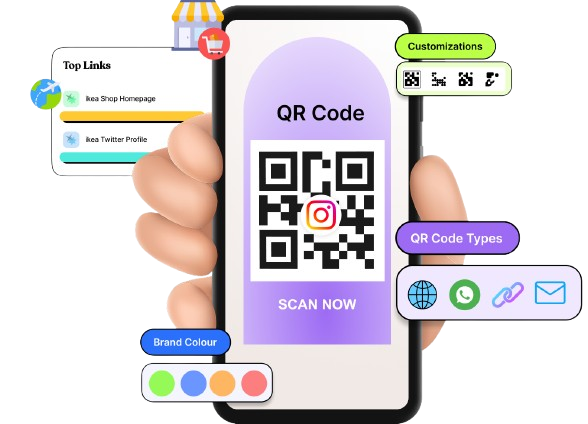

The next time you plan a campaign or redesign packaging, think first about the action you want from a scan. Then pick the QR type that gets you there with the fewest steps!
Frequently asked questions
What is the most common QR code?
The most common format is the standard Model 2 QR code used as a website URL or landing page code. Almost every code you see on menus, posters, or packaging falls into this category. It is widely supported by phone cameras and QR apps.
Which is better for QR codes, SVG or PNG?
For print, SVG is usually better because it is a vector file that stays sharp at any size. PNG is fine for web use, slides, and social posts where you do not need massive scaling. Many tools, including Replug, let you download both formats.
Are there different types of QR codes?
Yes, there are many different QR code types and variants.
– On the technical side, you have static, dynamic, Micro QR, and secure versions, among others.
– On the practical side, there are QR codes for links, Wi‑Fi, payments, files, and more.
How many different QR codes can there be?
The QR standard supports an enormous number of possible patterns. Thanks to different versions, encoding modes, and data combinations. In simple terms, there are far more possible codes than we will ever use in real life. For marketing, what matters most is picking the right type, not the raw number.
How do I know what type of QR code I have?
Scan the code and see what happens:
– If it always goes to the same URL and you cannot change it in a dashboard, it is probably static.
– If you created it in a platform like Replug and can edit the destination or see analytics, it is a dynamic QR code.
What are the two types of QR codes most common in 2026?
The two most common categories are static QR codes and dynamic QR codes. Static codes handle fixed tasks, such as Wi‑Fi access or plain text, while dynamic codes power most campaigns, menus, and packaging because they are editable and trackable.
Can two QR codes be the same?
Yes, two QR codes can encode the same data and therefore look identical. In practice, though, most dynamic QR tools generate different short URLs, so the codes differ even if they lead to similar pages. For tracking, it is usually better to give each placement its own specific code.
Is it possible to edit my QR code after it’s created?
You can edit a dynamic QR code by changing the destination or rules inside your platform. The printed graphic stays the same while the behavior changes. Static QR codes cannot be edited; you must create and use a new one.
Why do marketing professionals pick QR codes over barcodes?
Marketers prefer QR codes because they hold richer data and work with standard smartphone cameras. They can open websites, apps, videos, or forms in one scan, which is ideal for engagement. Barcodes are still useful for inventory, but are less friendly for consumer interactions.
What are the risks and limitations associated with QR codes?
– Risks include malicious code that leads to phishing sites, fake payment pages, or unsafe apps. There are also privacy concerns if scan data is collected without notice.
– Limitations include the need for internet access for most actions, plus scan issues when codes are too small, low‑contrast, or badly placed.
What are the different types of QR code images available?
Common image formats for QR codes are PNG, JPEG, SVG, PDF, and WEBP.
– PNG and JPEG work well for screens and simple print jobs.
– SVG, WEBP, and PDF are ideal for designers and printers who need sharp graphics at any size.
List the various types of scan codes?
Scan codes include:
– 1D barcodes: UPC, EAN, Code 39, Code 128
– 2D codes: QR, Data Matrix, Aztec, PDF417, MaxiCode, Han Xin
Each type suits different industries and data sizes.
What are the most common types of QR barcodes?
The most common types are standard Model 2 QR codes, Micro QR codes for small items, and dynamic QR codes for marketing. Data Matrix and GS1 DataMatrix are also very common in packaging and healthcare, even though they are technically different symbologies.
Provide a list of the different types of QR code generators available online?
Online QR tools range from simple, free generators to full marketing platforms:
– Basic sites that create static code only
– Mid‑tier tools that make a limited number of dynamic codes
– Advanced platforms like Replug that combine short links, dynamic QR, smart rules, and analytics
Many of them also provide a built‑in QR code scanner in their mobile apps.
Can I use different QR code formats or variants for my business?
Yes, you can mix formats based on your needs.
For example, you might use:
– Standard dynamic QR codes for campaigns
– Wi‑Fi QR codes on premises
– Payment QR codes at checkout
The key is to keep everything organized in one system, so you always know what each code does and how it performs.